
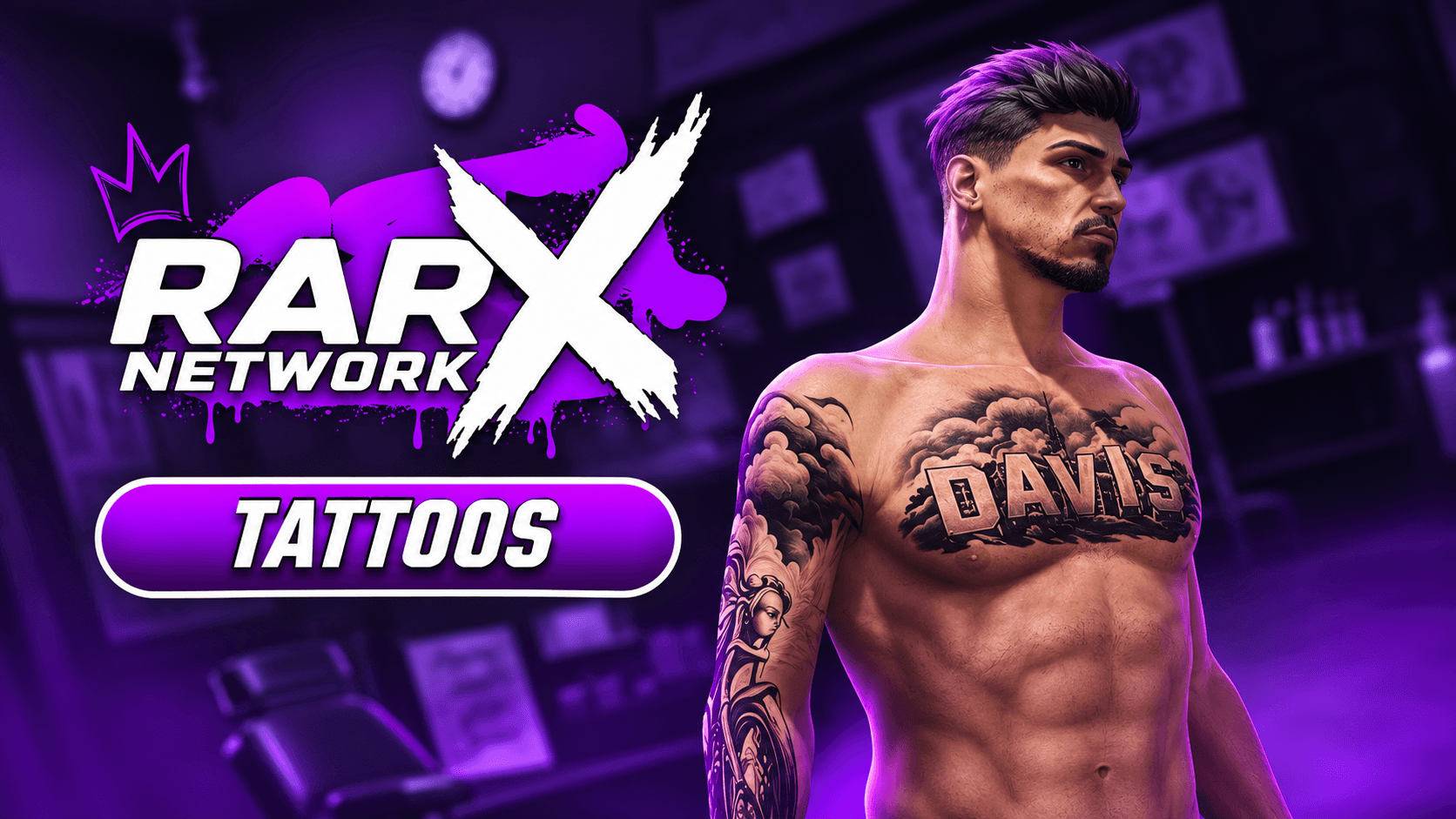
Tattoos · FiveM guide

FiveM Tattoo Script for QBCore, Qbox & ESX

Tattoos are one of the most personal choices a player makes for a character, and a tattoo parlour is one of the few shops that can be a scene of its own. A tattoo script has to make choosing easy, show the result before money changes hands and keep the tattoos on the character through every outfit change.

This guide explains what to expect from a FiveM tattoo script on QBCore, Qbox and ESX, how Rarx Tattoos handles each point, what it needs installed and the questions owners ask before adding it.

Buyer's checklist

What a good FiveM tattoo script should do

Use these points to compare tattoo resources, including ours.

  1. Preview before paying

    Players should see the design on their own character first. Rarx Tattoos shows a live preview with five opacity levels, mouse rotation, 30-degree steps with the wheel, zoom and a hands-up pose, with the controls shown on screen.

  2. A parlour that feels like a place

    A customer chair, an artist that walks over and works with a tattoo gun, and a fixed camera per shop for precise placement turn a menu into a short roleplay scene.

  3. Enough designs, and room for your own

    Base and DLC collections, hair fades and custom packs out of the box, grouped by body zone. Adding your own should only take a JSON list and the overlay files.

  4. Tattoos that stay after outfit changes

    Multicharacter and clothing scripts reset the ped, which can wipe tattoos. Rarx Tattoos stores them with oxmysql and exposes a client event your multicharacter or clothing script can trigger to restore them.

  5. Prices and exclusive designs

    Per-tattoo prices with a default for the rest, and designs locked to a list of citizen IDs for reward or exclusive tattoos.

  6. Works with your clothing system

    The tattoo script has to cooperate with the appearance resource. Rarx Tattoos detects seven common clothing systems automatically, or you set one manually.

RARX resources

The RARX tattoo script

One resource for every tattoo parlour on your map.

Rarx Tattoos — Scripts FiveM resource
Video

Scripts

Rarx Tattoos

Tattoo shops with animated artist NPCs, live preview and restricted designs for QBCore, Qbox and ESX.

  • QBCore
  • ESX
  • QBox
€39.99

Rarx Tattoos

Rarx Tattoos turns each tattoo shop into a small scene with animated artist NPCs and a fixed-camera preview, and it lets you add as many shops as you need, each with its own coordinates, blip, camera, chair, animations and artist model. Collections include Street Dreams, a yakuza set and a Rarx Network pack besides the base and DLC lists.

Key features

  • Animated tattoo parlours. Artist NPCs, customer chair animations and a tattoo gun prop at every shop.
  • Preview before paying. Try designs on your character with opacity levels, rotation and zoom.
  • Custom packs included. Base and DLC collections plus Street Dreams, hair fades and Rarx Network packs.
  • Restricted designs. Lock any tattoo so only the citizen IDs you list can buy it.

Compatibility

Frameworks, clothing systems and dependencies

Taken from the product data and its documentation.

FeatureRarx Tattoos
Resource namerarx_tattoos
FrameworksQBCore, Qbox, ESX
Framework setupConfig.Framework = 'auto' detects the framework; it can also be set to qb-core or esx.
Required resourcesoxmysql, A supported clothing system
Optional resourcesxsound, rarx_utils
LanguagesEnglish, Spanish
DocumentationOn this site

Planning

Planning tattoo shops on your server

Decide how many parlours you need before you start placing them. Each shop has its own camera position, chair, animations and artist model, so a few well-placed parlours with distinct artists usually feel better than many copies of the same one. Use the default price for most designs and set individual prices only for the pieces you want to stand out.

Restricted designs work well as rewards: a tattoo only gang members, event winners or long-time players can buy. Because restrictions use citizen IDs, plan who will maintain that list. Finally, wire the restore event into your multicharacter and clothing scripts on day one; it is the step most often forgotten and the one players notice first.

Setup

How to install a FiveM tattoo script

A summary of the setup. The documentation covers shops, collections, prices and blocked designs.

Full documentation
  1. 01

    Download from the Cfx.re Portal

    Download the resource and extract rarx_tattoos into your resources folder.

  2. 02

    Start it after its dependencies

    Ensure rarx_tattoos after oxmysql, your framework and your clothing system.

  3. 03

    Configure shops and collections

    Set the framework, language, clothing system, shops, prices, tattoo lists and blocked tattoos in the shared config.

  4. 04

    Hook the restore event

    Trigger the tattoo update event from your multicharacter or clothing script so tattoos come back after a character or outfit change.

Custom designs go in a JSON file in the tattoo assets folder, with any overlay XML files in the stream folder. Full documentation: Rarx Tattoos

Good to know

Tattoo script FAQ

Which frameworks does Rarx Tattoos support?
QBCore, Qbox and ESX. With the framework set to auto it is detected at startup.
Which clothing systems work with it?
origen_clothing, bl_appearance, illenium-appearance, fivem-appearance, qb-clothing, skinchanger and esx_skin, detected automatically.
Why do tattoos disappear after changing clothes?
Your clothing or multicharacter script resets the ped. Trigger rarx_tattoos:client:UpdatePlayerTattoos after the change to restore them from the database.
Can I add my own tattoos?
Yes. Create a JSON list in the tattoo assets folder, add it to the tattoo lists in the config and stream the overlay files.
Can I make a tattoo exclusive?
Yes. Add it to the blocked tattoos list with the citizen IDs allowed to buy it.
How are prices set?
Per tattoo, with a default price for every design that does not have its own.

Keep exploring

Open a tattoo parlour worth visiting

Rarx Tattoos runs on QBCore, Qbox and ESX with your clothing system. Ask us about custom packs on Discord.