
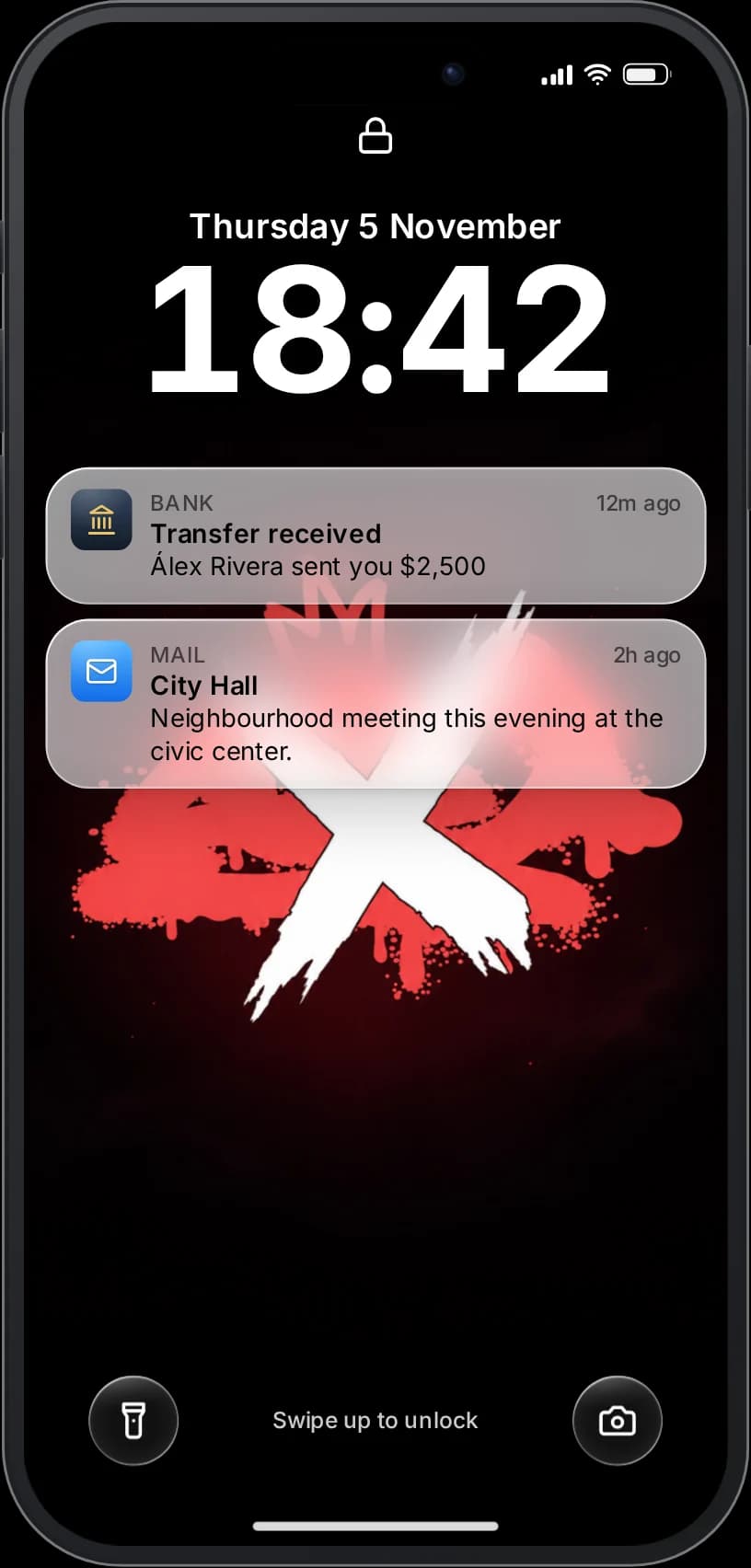
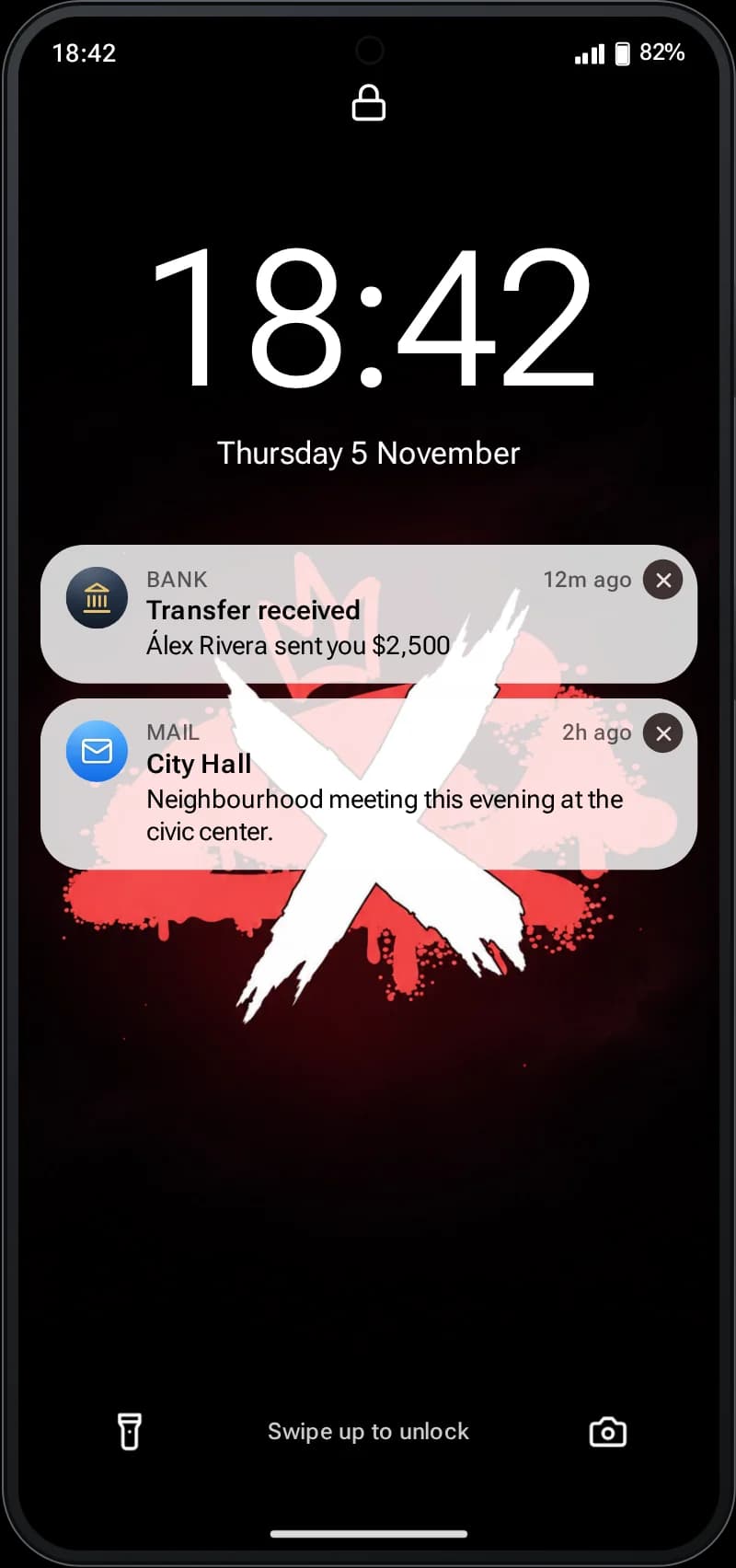
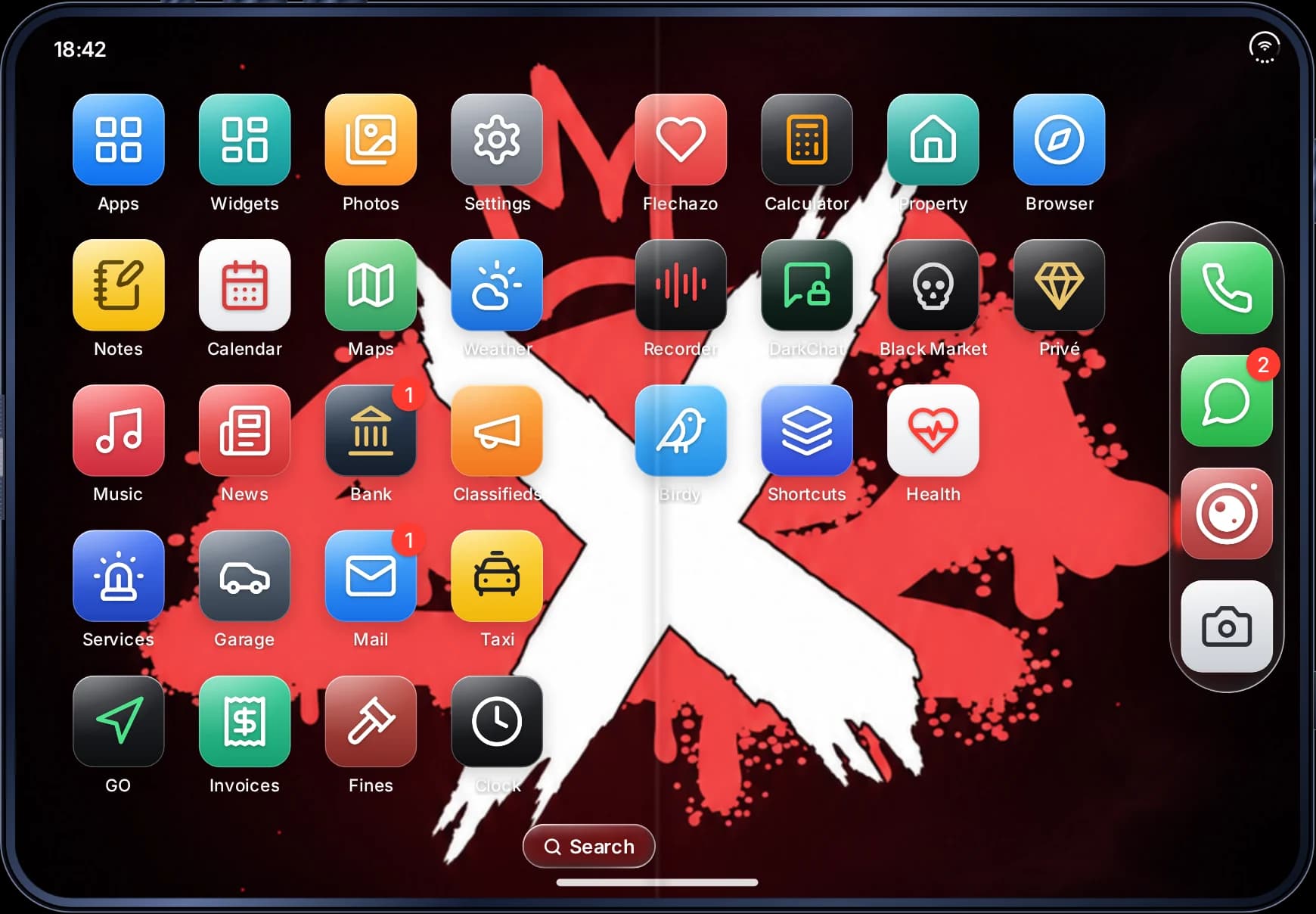
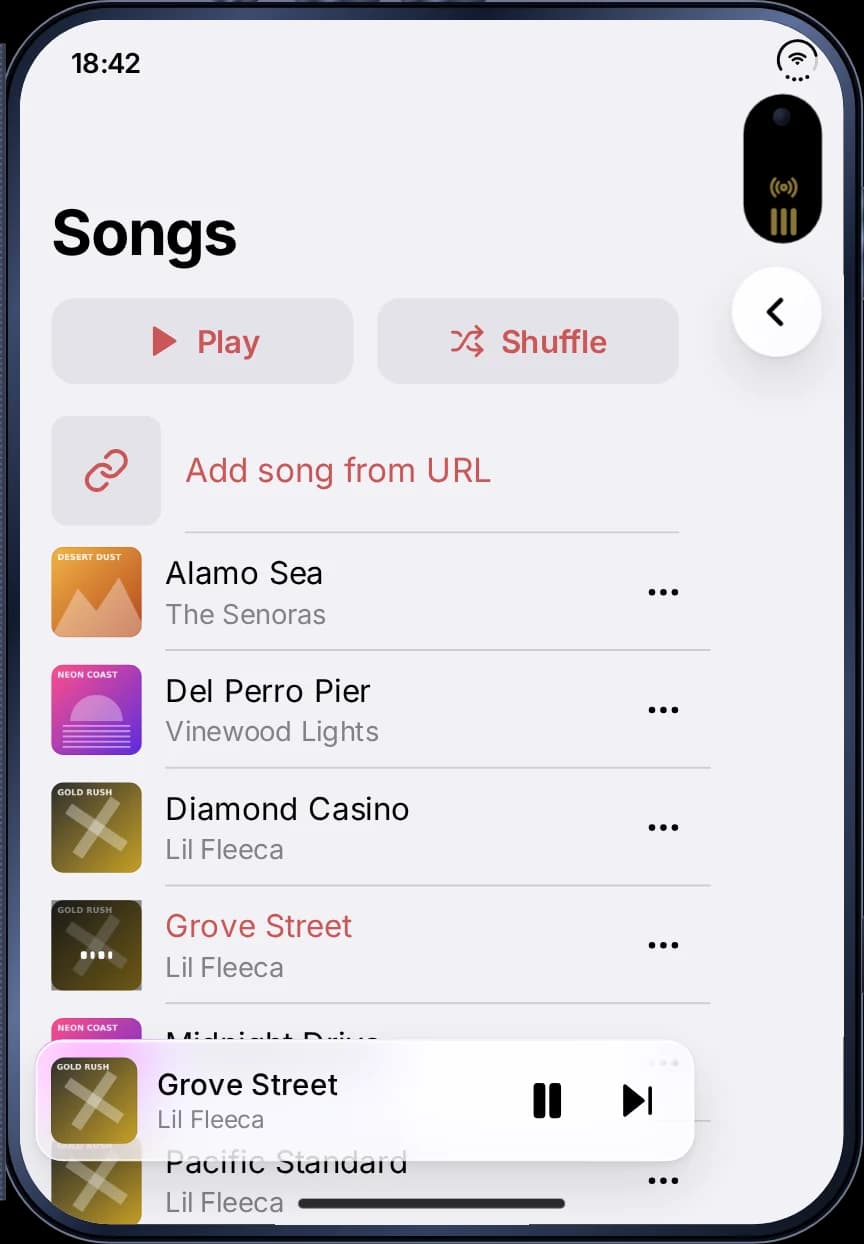
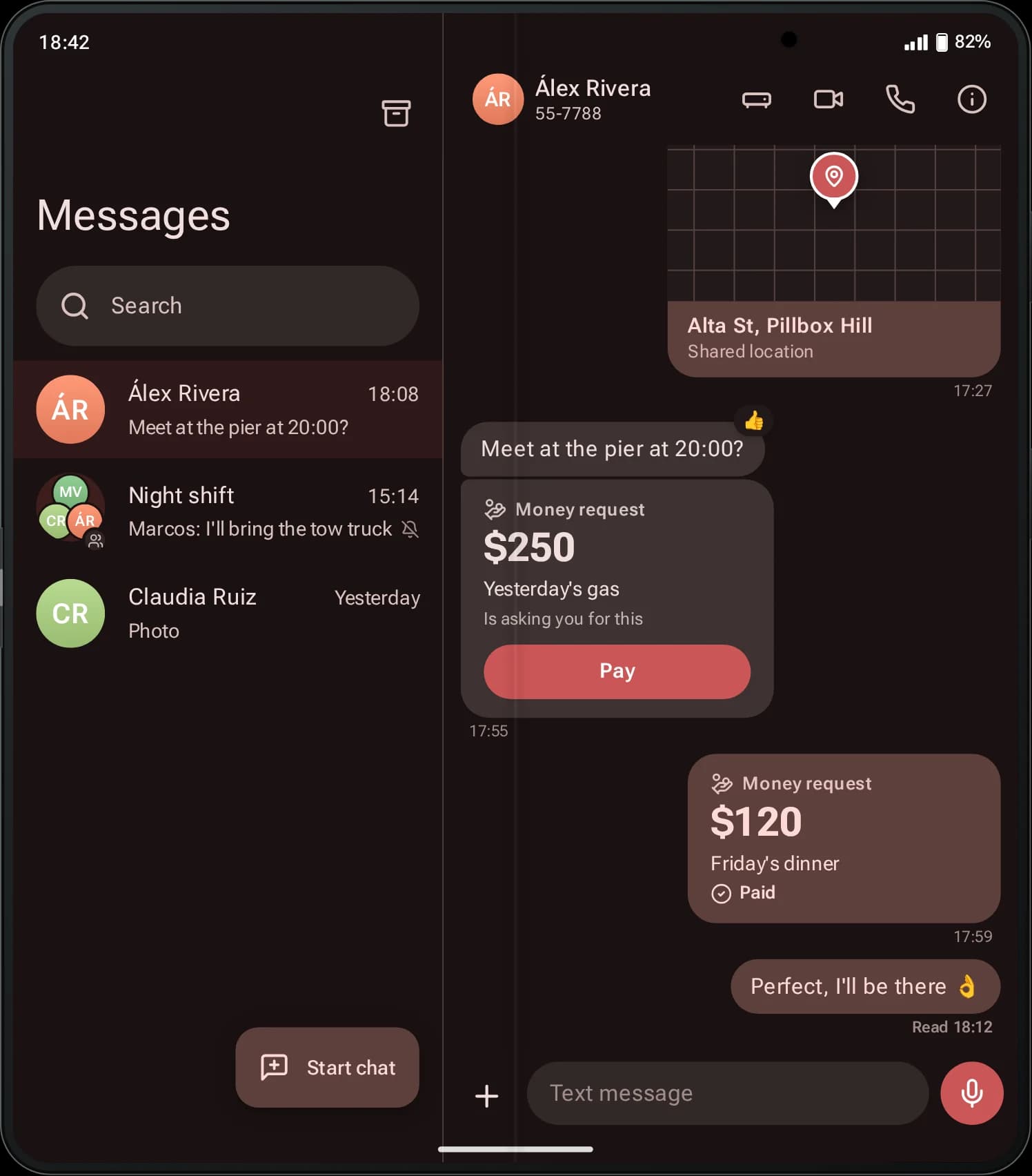
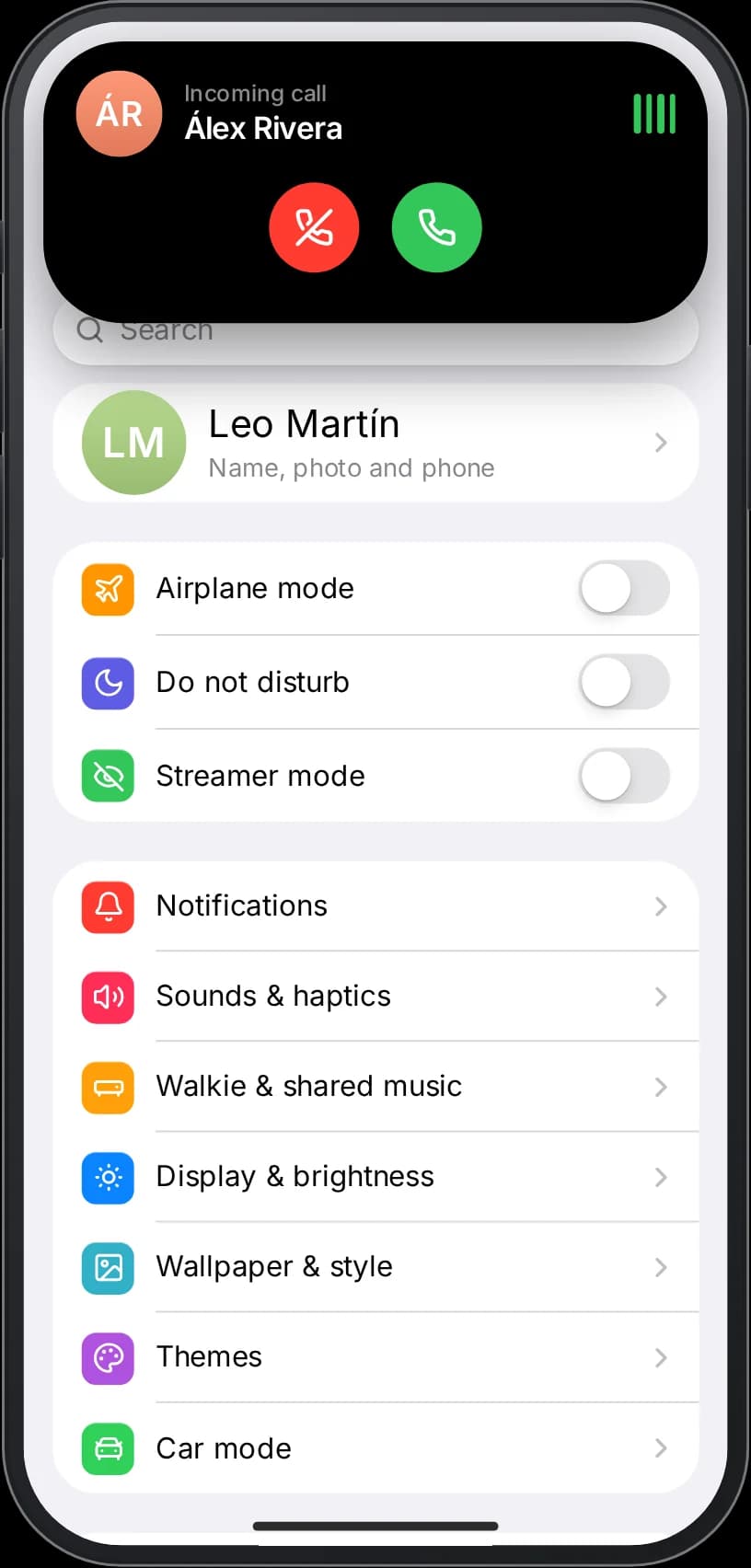
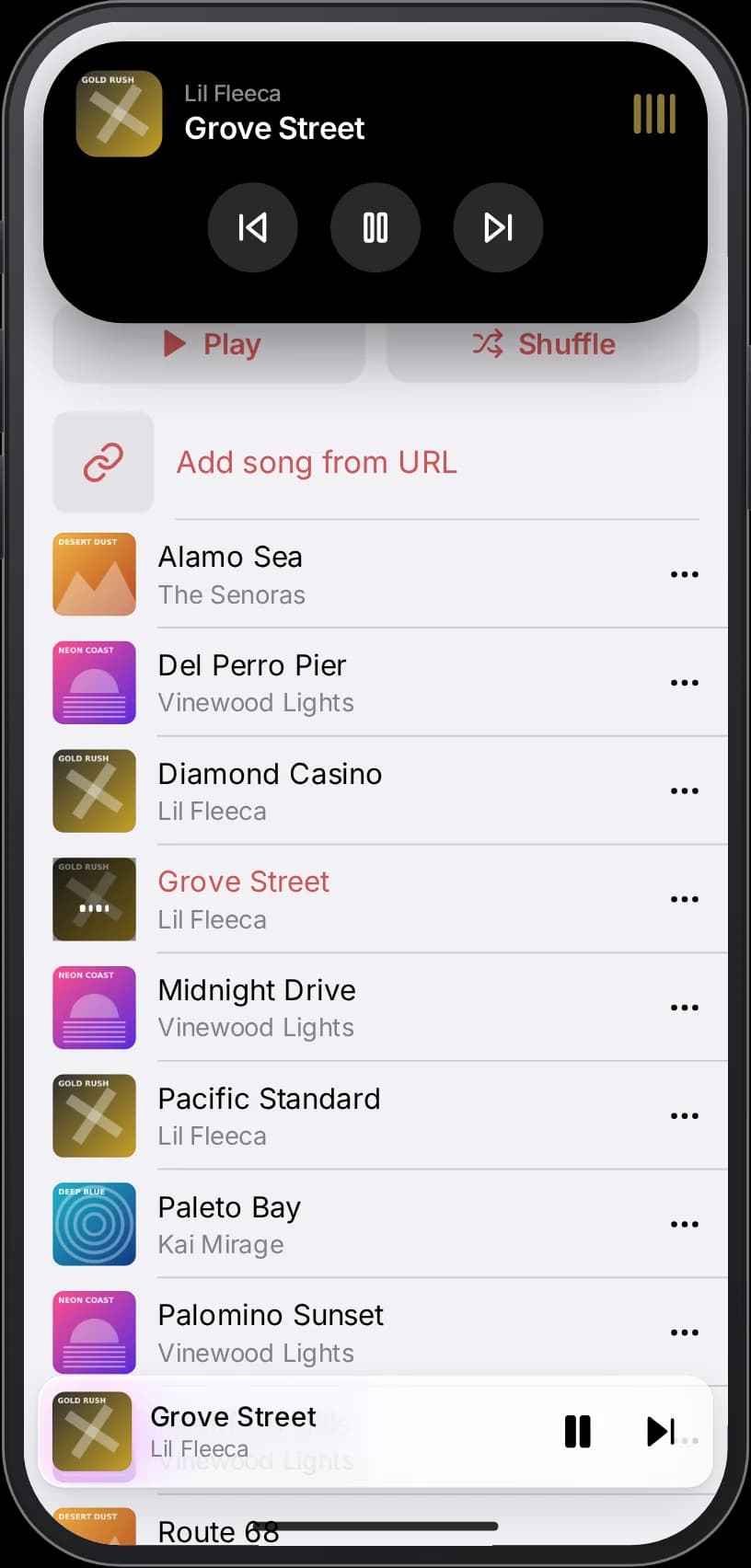
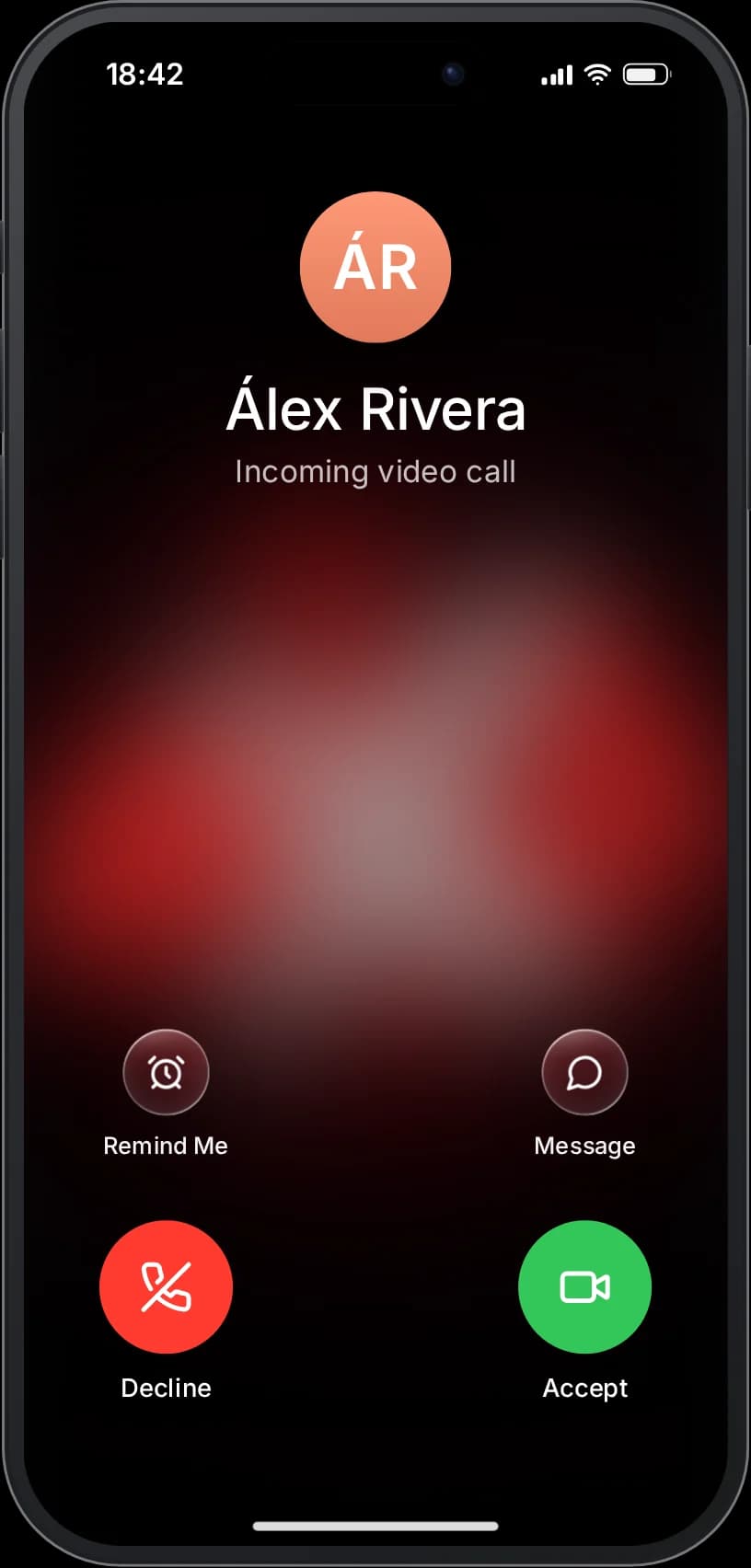
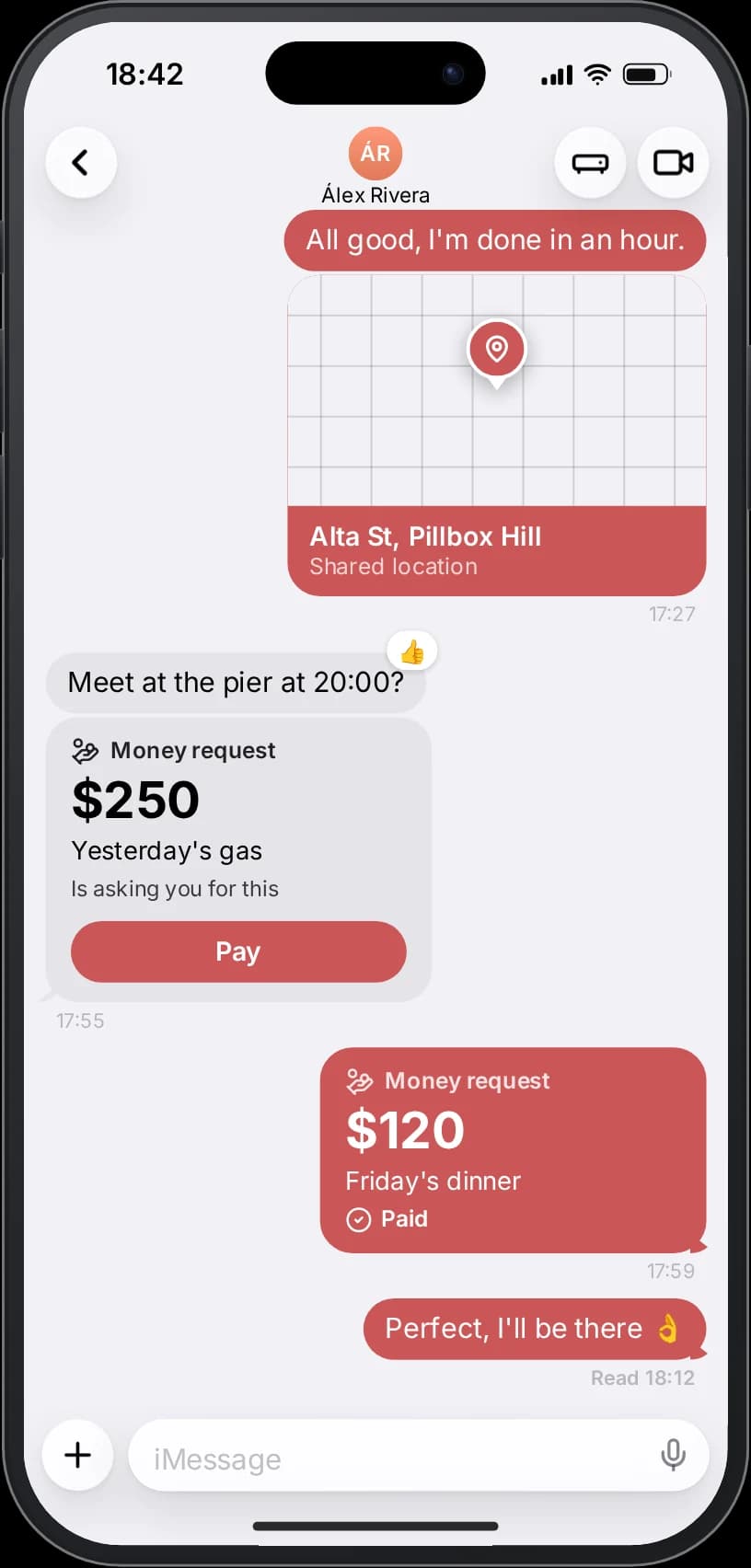
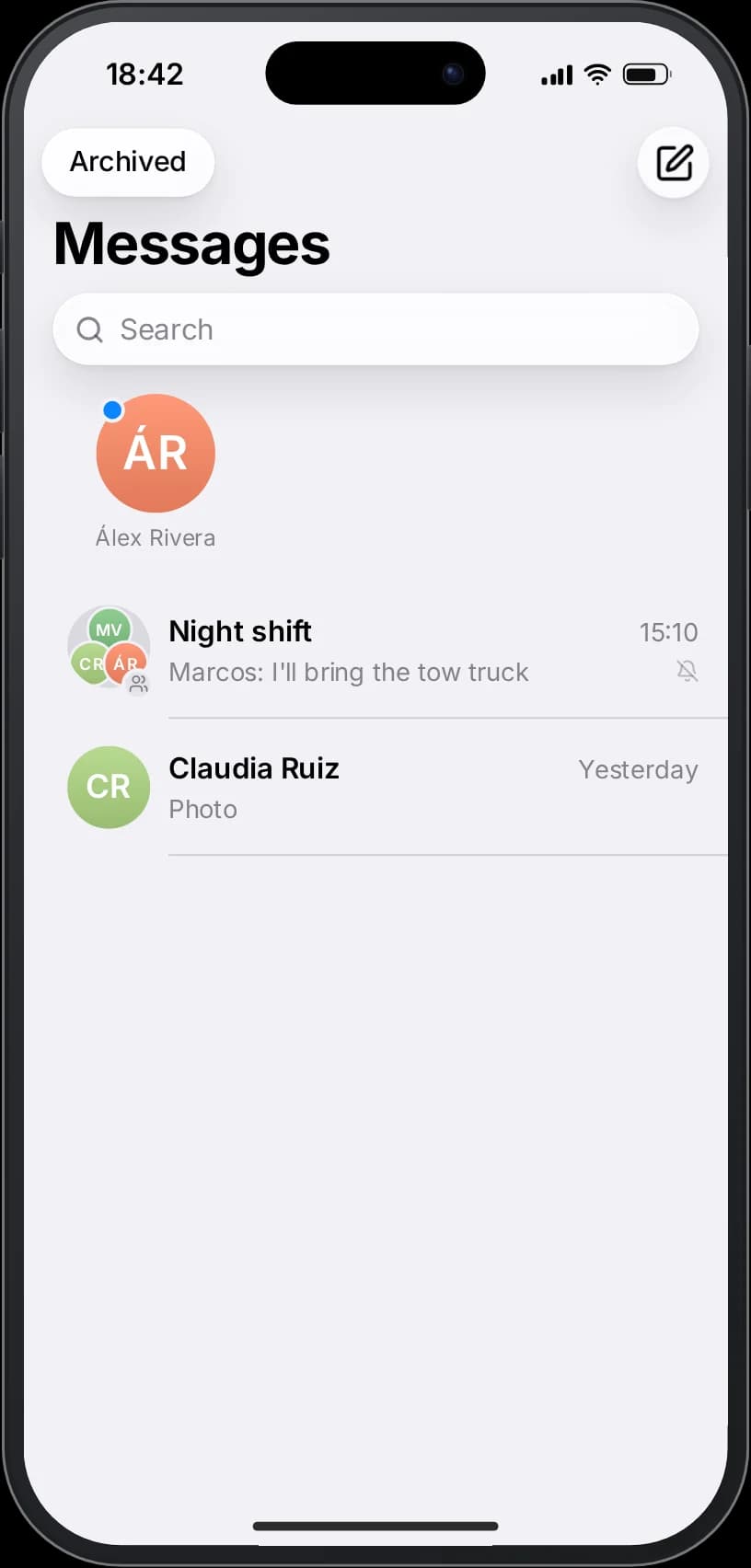
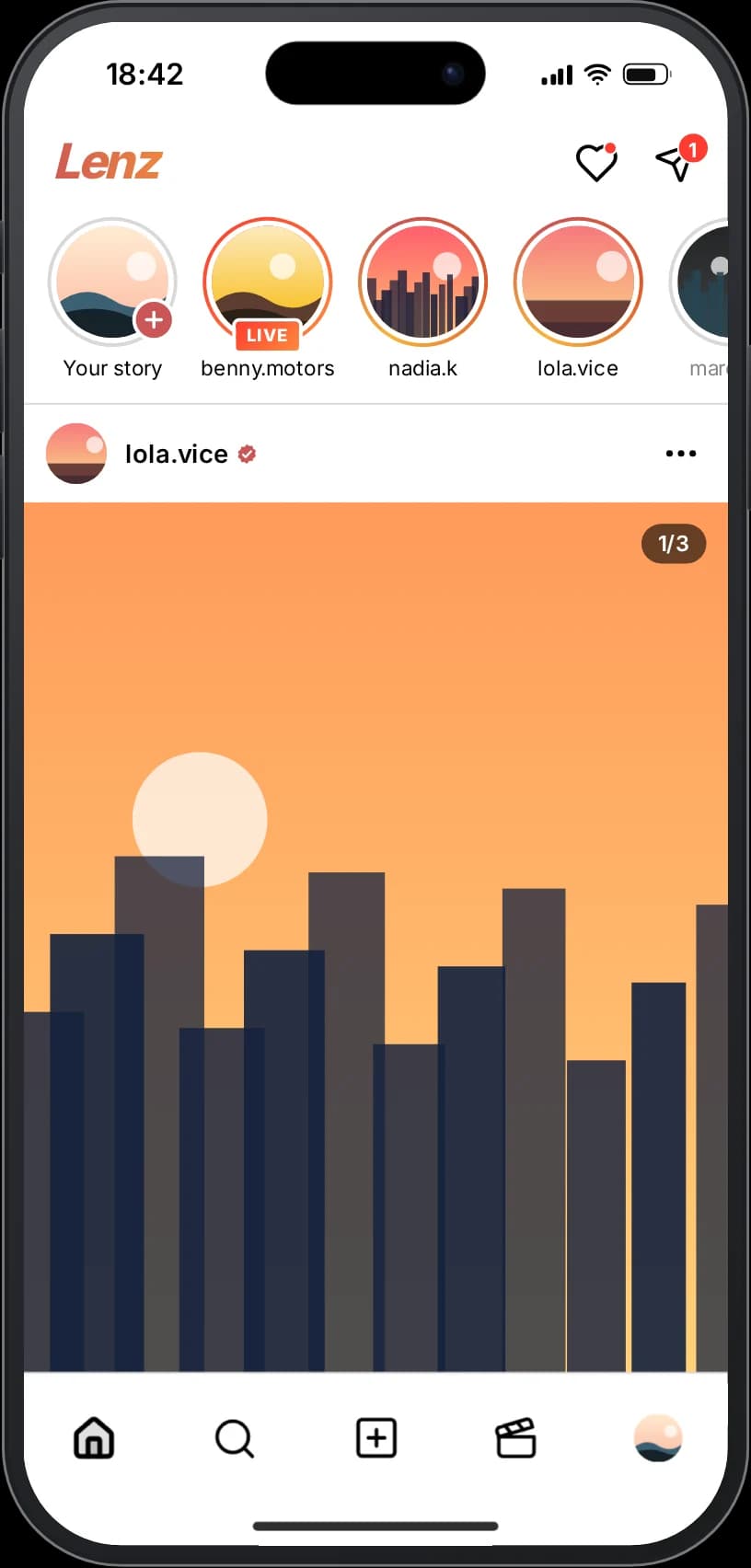
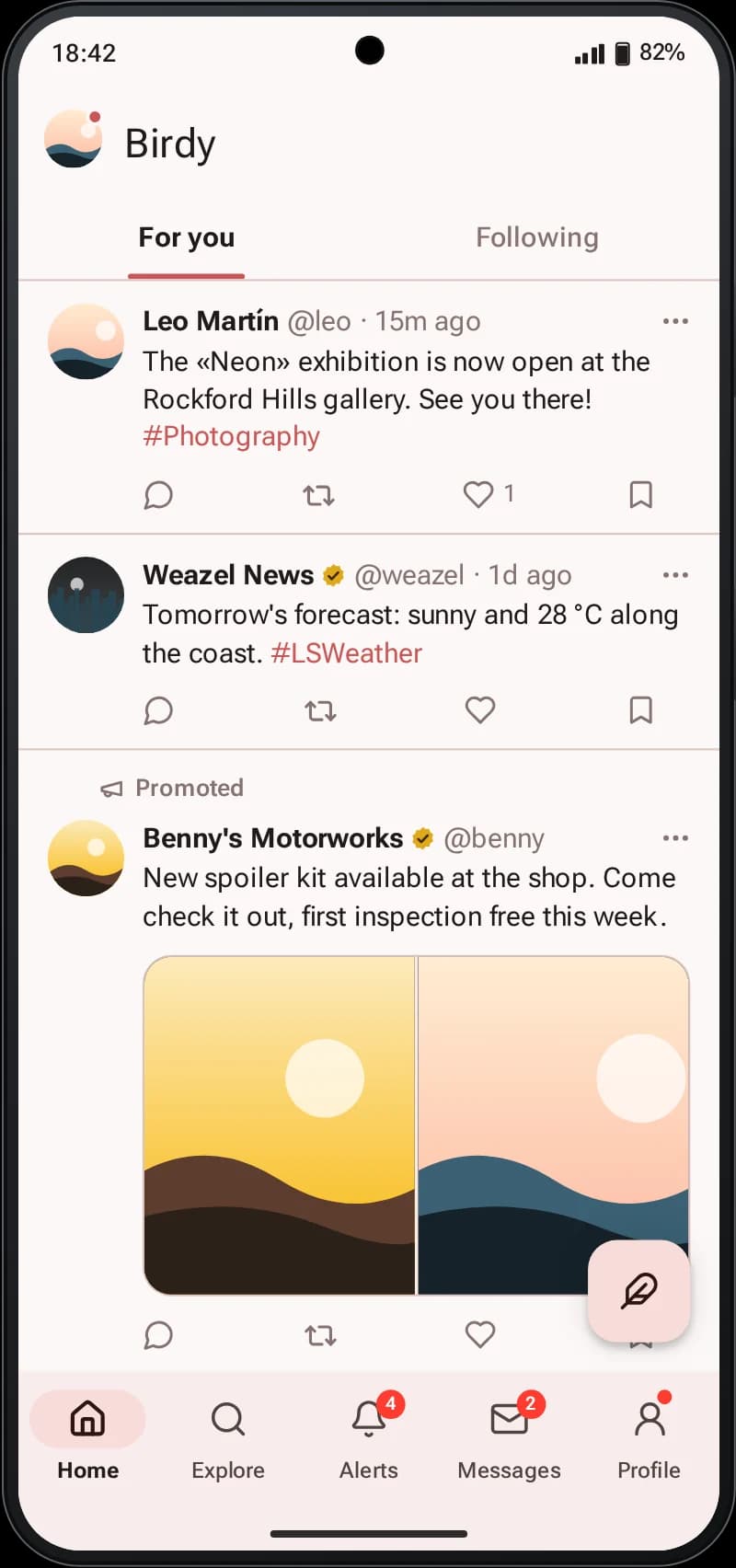
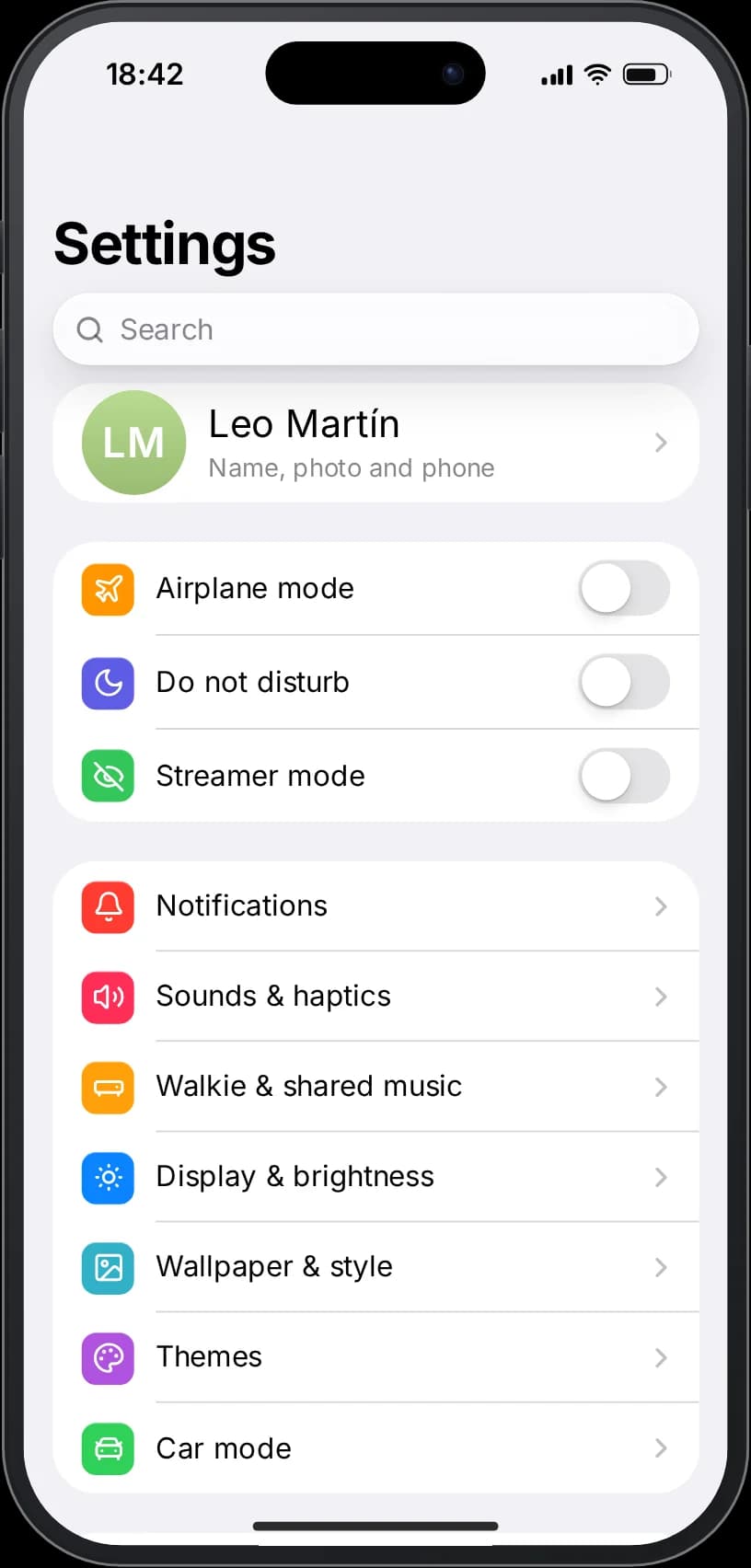
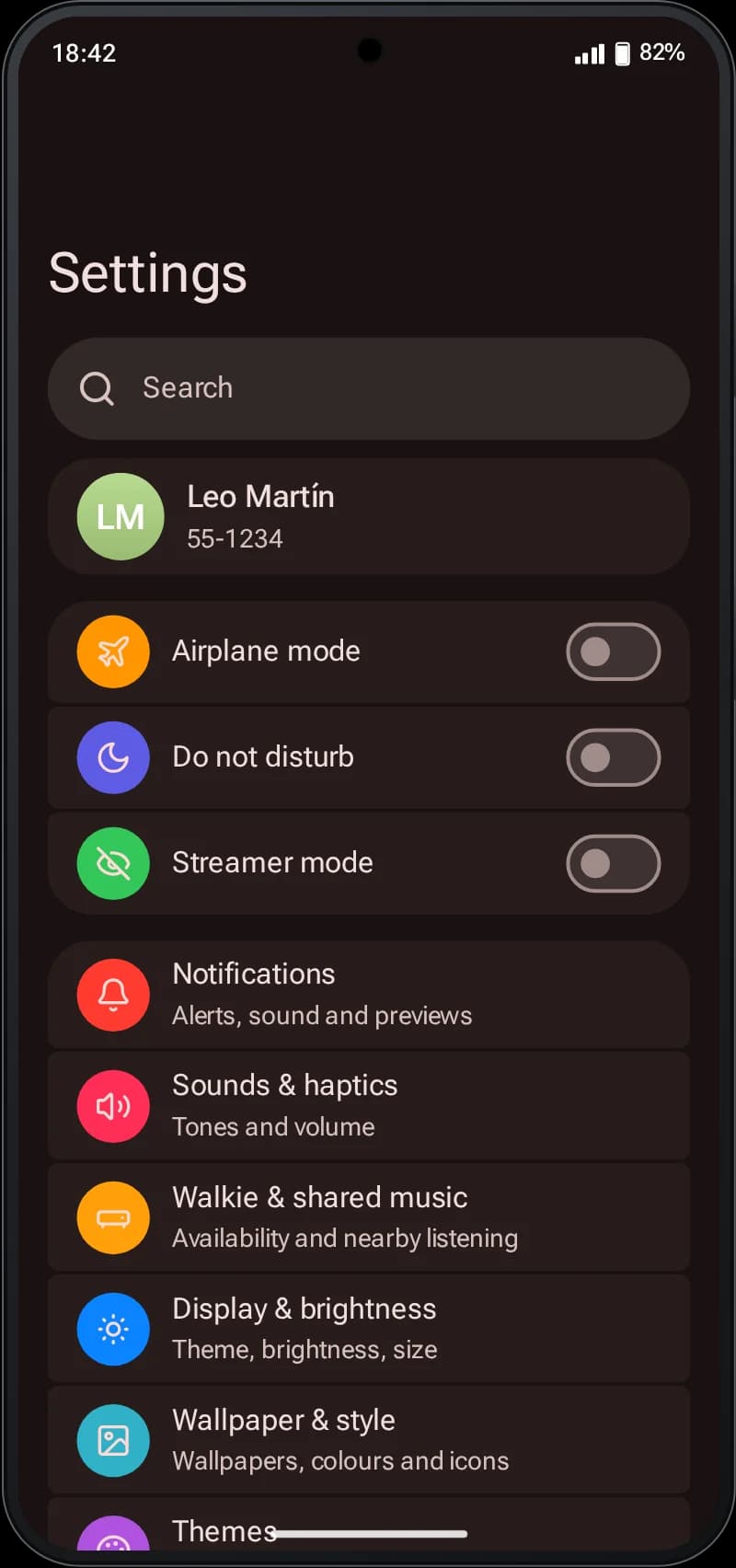
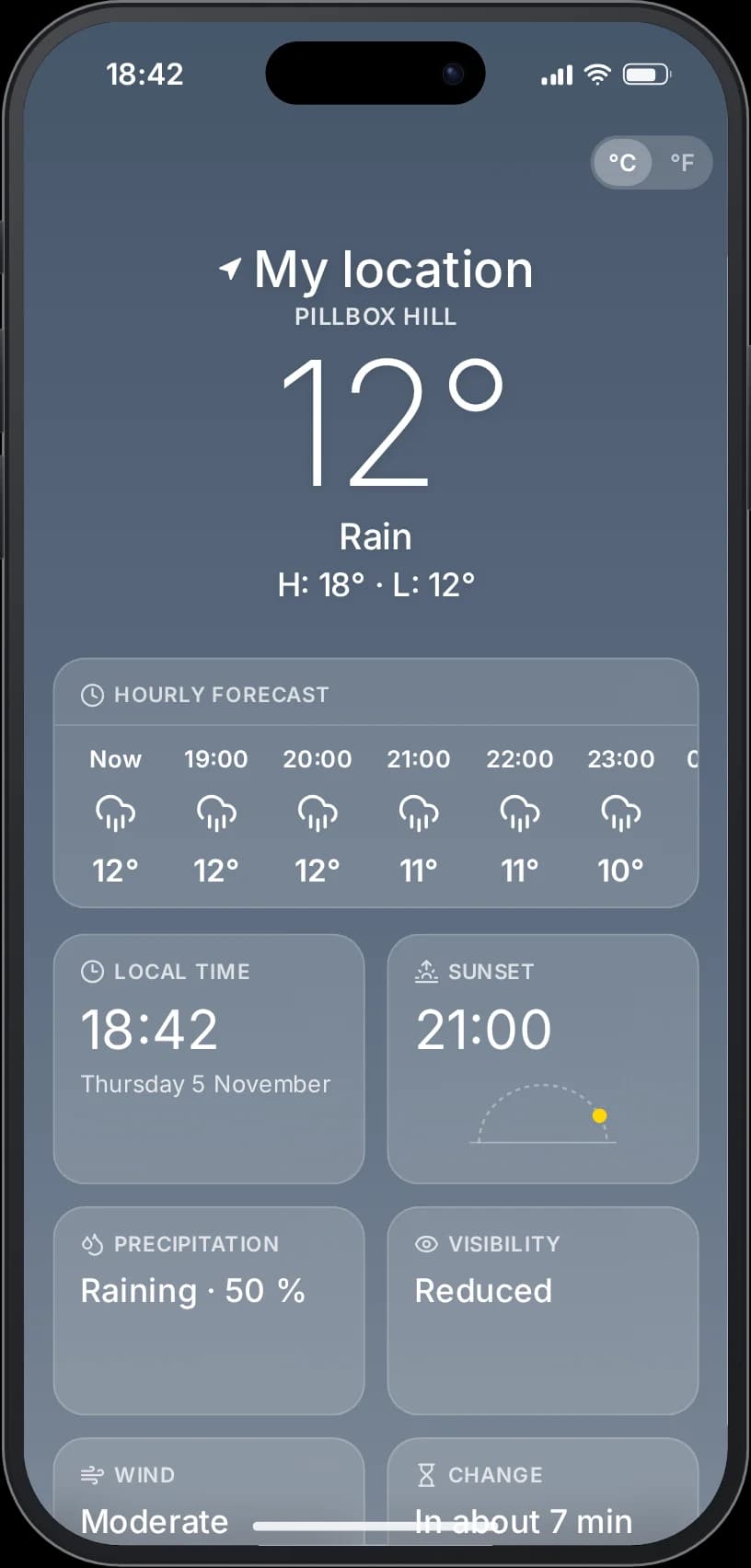

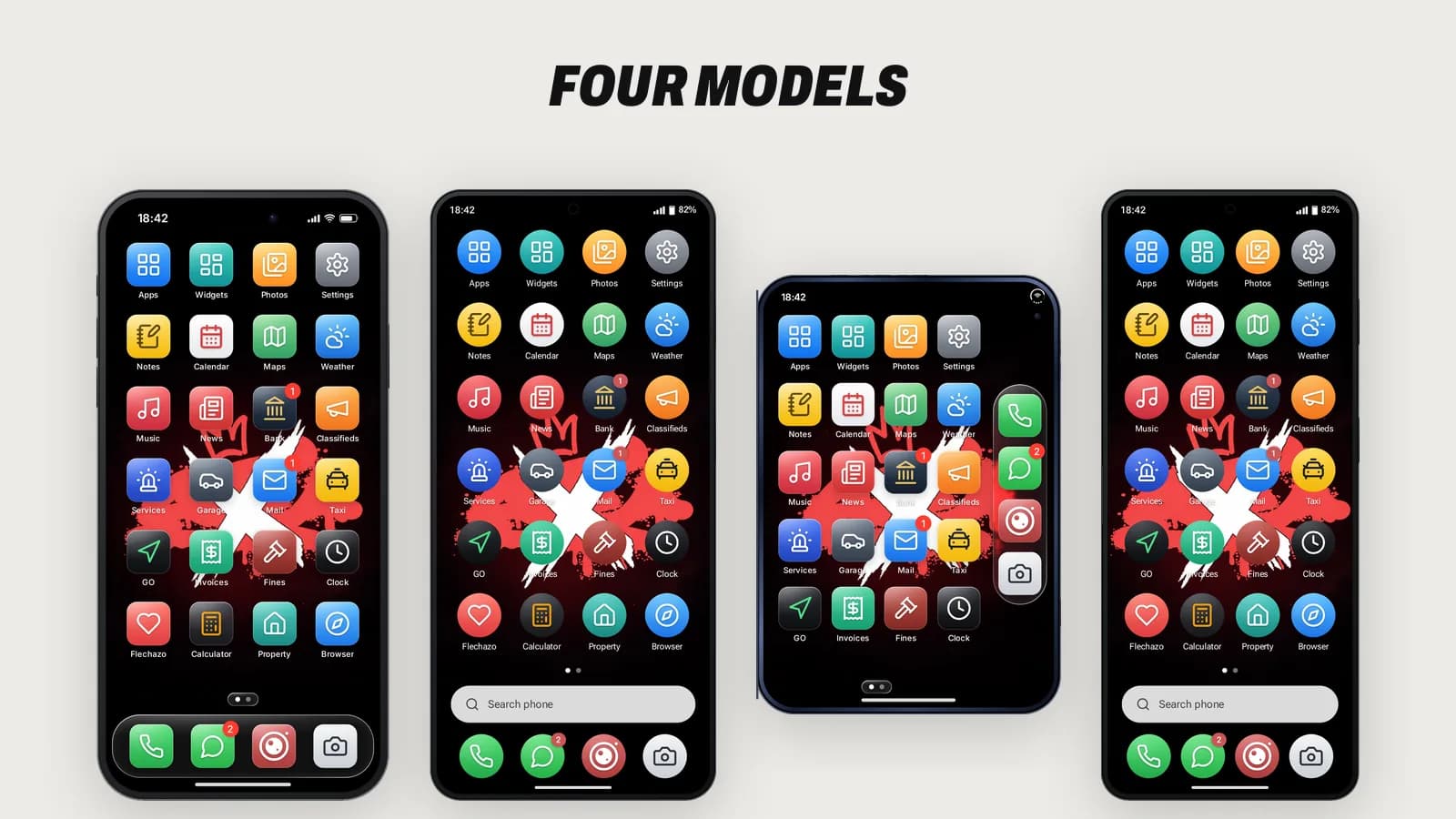
- Four real devicesiFruitOS-style, Andromeda-style and two foldables that open into a tablet layout.
- Live IslandCalls, music, timers, rides and Face Unlock as live activities with working controls.
- Drop-in for lb-phone scriptsProvides 'lb-phone' with export aliases, plus a console tool to migrate LB data.
- Configure, not code42 feature switches, per-app rules, branding and 11 languages in open config files.
Live demo
Try the phone in your browser
Pick a model and use it like in game: open apps, swipe between pages, try the Live Island and the foldables.
iFruit 17 · iFruitOS-style phone with Live Island and Face Unlock.
Runs the real interface in your browser with sample data. Nothing is saved.
Open the live demo
Opens full screen in a new tab.
A complete FiveM phone built for roleplay
RARX Phone (resource name rarx_phone) is a full smartphone for FiveM servers. Its interface was rebuilt from scratch with Vue 3 and TypeScript and targets the Chromium version inside FiveM, so it stays light while still rendering glass effects, smooth gestures and real device frames. It ships with 37 apps, four phone models and a server side that validates every action: money, messages, media hosts, rate limits and permissions are checked on the server, not trusted from the interface.
Everything a player expects from a modern phone is there: a lock screen with PIN and Face Unlock, notifications grouped by app, a control center, multitasking with live app previews, widgets, folders and a car mode. Everything a server owner needs is there too: framework and inventory auto-detection, a self-installing database, per-category logs to Discord, an in-game admin panel and a configuration that can switch off, rename or restrict any app without editing code.
iFruitOS and Andromeda models, including two foldables
The phone item decides which device the player holds. Each model has its own frame, status bar, navigation and component kit, so an iFruitOS phone feels like iFruitOS and an Andromeda phone follows its own design language instead of being the same screen with a different border.
- iFruit 17: the iFruitOS-style flagship with Live Island, glass surfaces and Face Unlock.
- iFruit S26: the Andromeda-style phone with Andromeda components, quick settings and a heads-up call card.
- iFruit Duo: a book-style foldable with fingerprint unlock, a corner island, a vertical dock and a side rail for navigation; open it and the home screen shows two pages side by side.
- iFruit Z Fold: an Andromeda-style foldable that opens into a wide layout where list-and-detail apps show both panes at once.
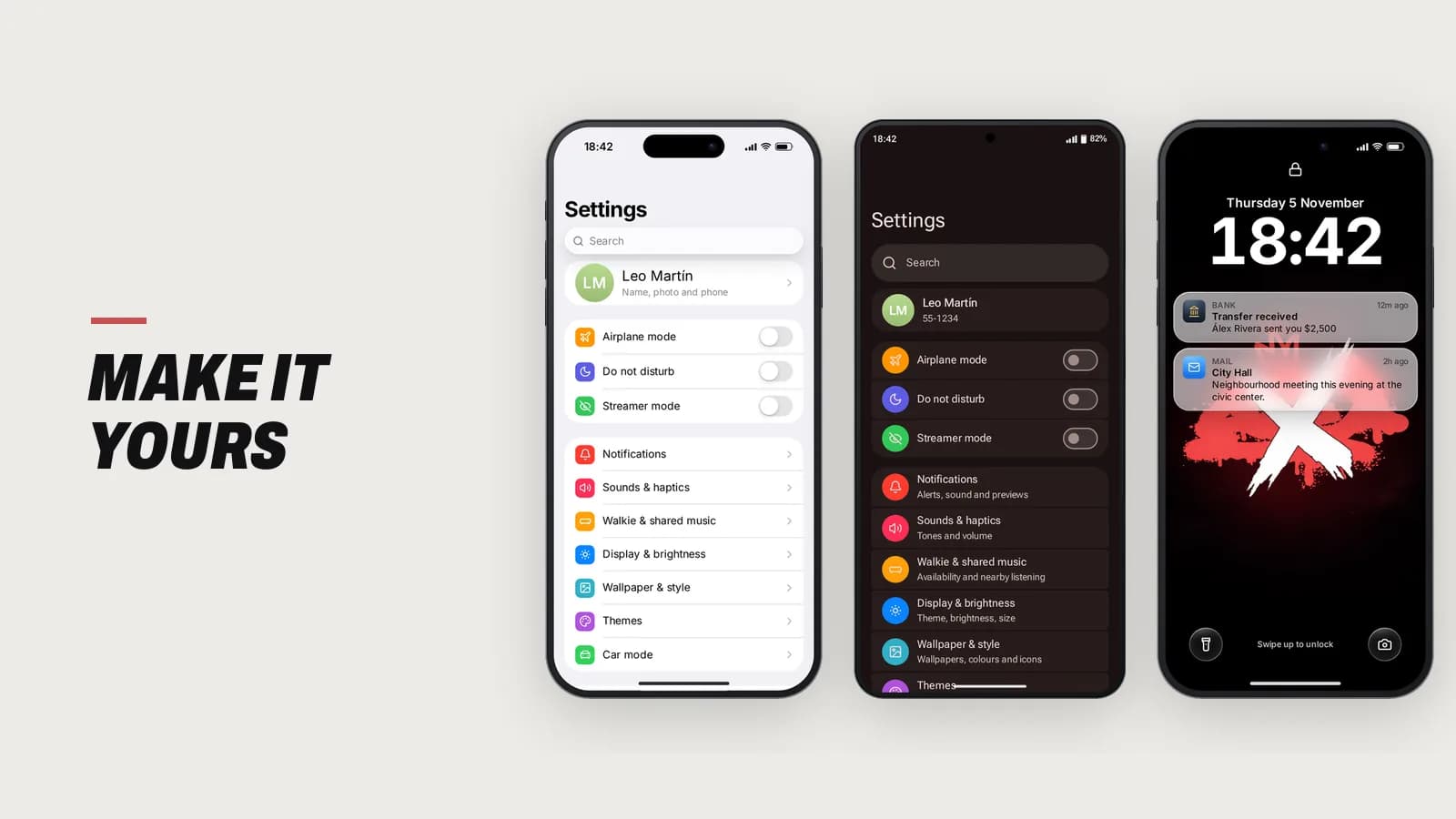
Model names, the carrier name and the system names shown in Settings are all set in config/marca.lua, so the phone can carry your server brand.
Live Island and live activities that actually do something
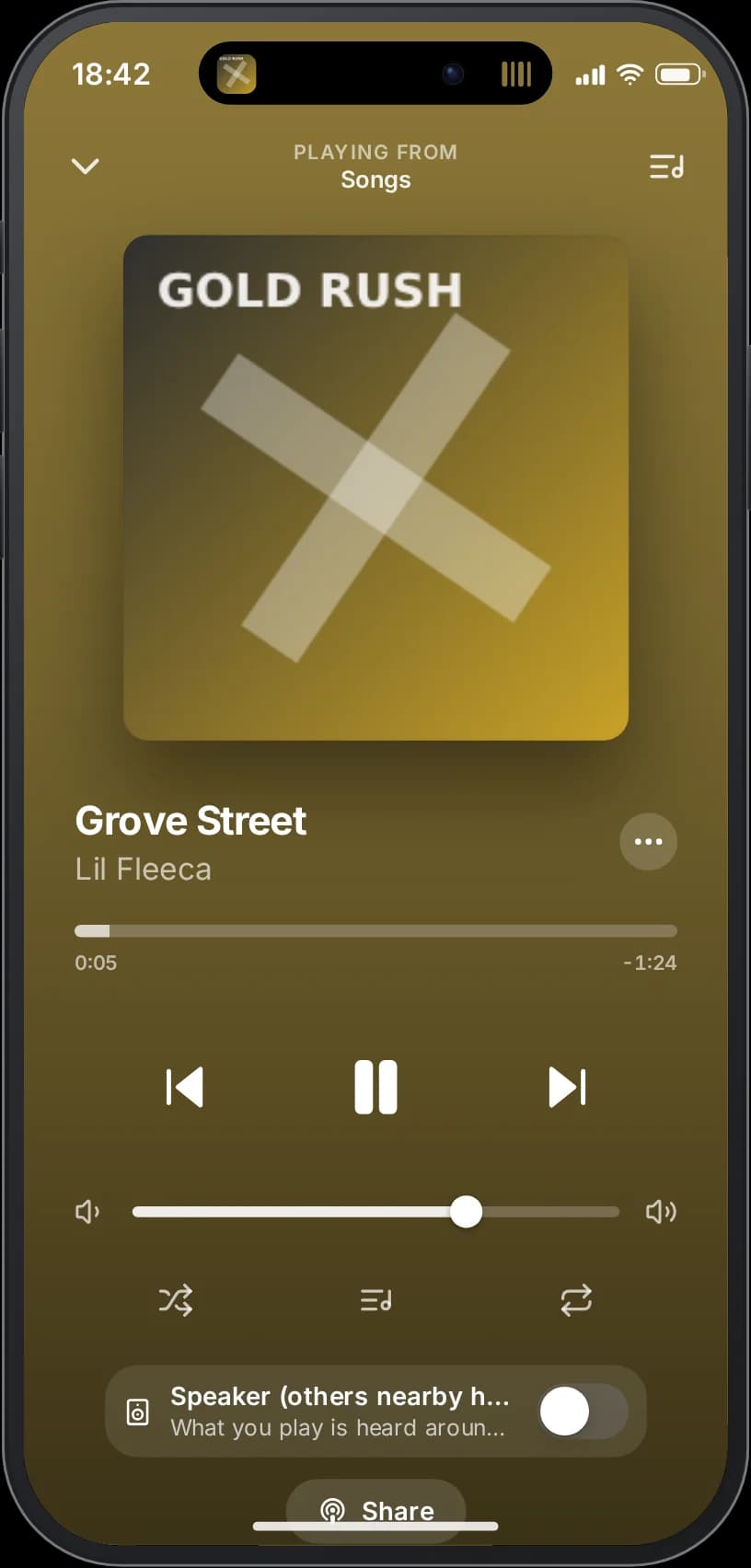
Live activities share one system across the phone: incoming, outgoing and active calls, Face Unlock, voice recording, Taxi and GO rides, timers, stopwatches and music. On the iFruitOS-style model they appear in the Live Island, which can be compact, split for a second activity, or expanded with a long press. The buttons are real: answer, decline, mute, speaker, hang up, play, pause, skip, cancel and stop all run the action.
When a call arrives while the player is using an app, the iFruitOS-style phone shows it in the expanded island and the Andromeda-style phone shows a floating heads-up card, so nobody loses what they were doing. With the phone locked, the full-screen call screen is used instead. The island also shows silent or ring mode changes, album colors for music, and the orange or green privacy dot when the microphone or camera is in use.
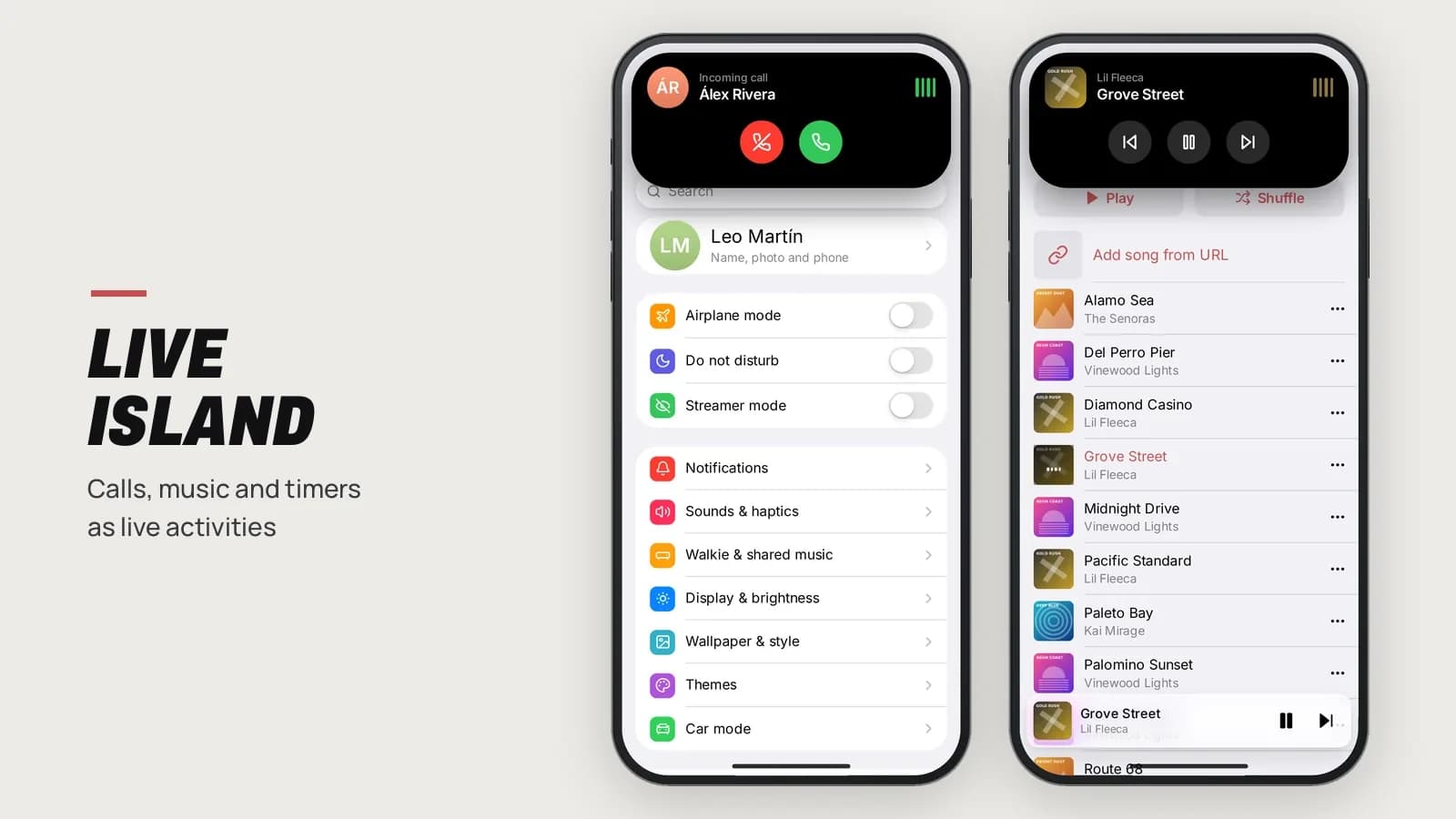
Voice calls, group calls and FiveM video calls
Calls use the voice resource you already run. The phone auto-detects pma-voice, SaltyChat, TokoVOIP or mumble-voip, or you can force one in the config. Calls support up to five participants by default, a grid view from three people, adding people from Recents or Contacts, a keypad with tones, voicemail, a voice filter and speaker mode. Emergency numbers keep working even when normal calling is switched off.
Video calls show the game camera of each player. One-to-one calls use WebRTC (with optional Cloudflare TURN), and if a direct connection is not possible the phone falls back automatically to frames relayed by the server, which is also how group video works. The self-view snaps to corners and the quality indicator tells players whether the call is direct or relayed.
Phones are heard in the world: when a phone rings, players nearby hear the owner's ringtone at the owner's volume, quieter with distance and muffled between vehicles, unless the owner has silent mode or Do Not Disturb on.
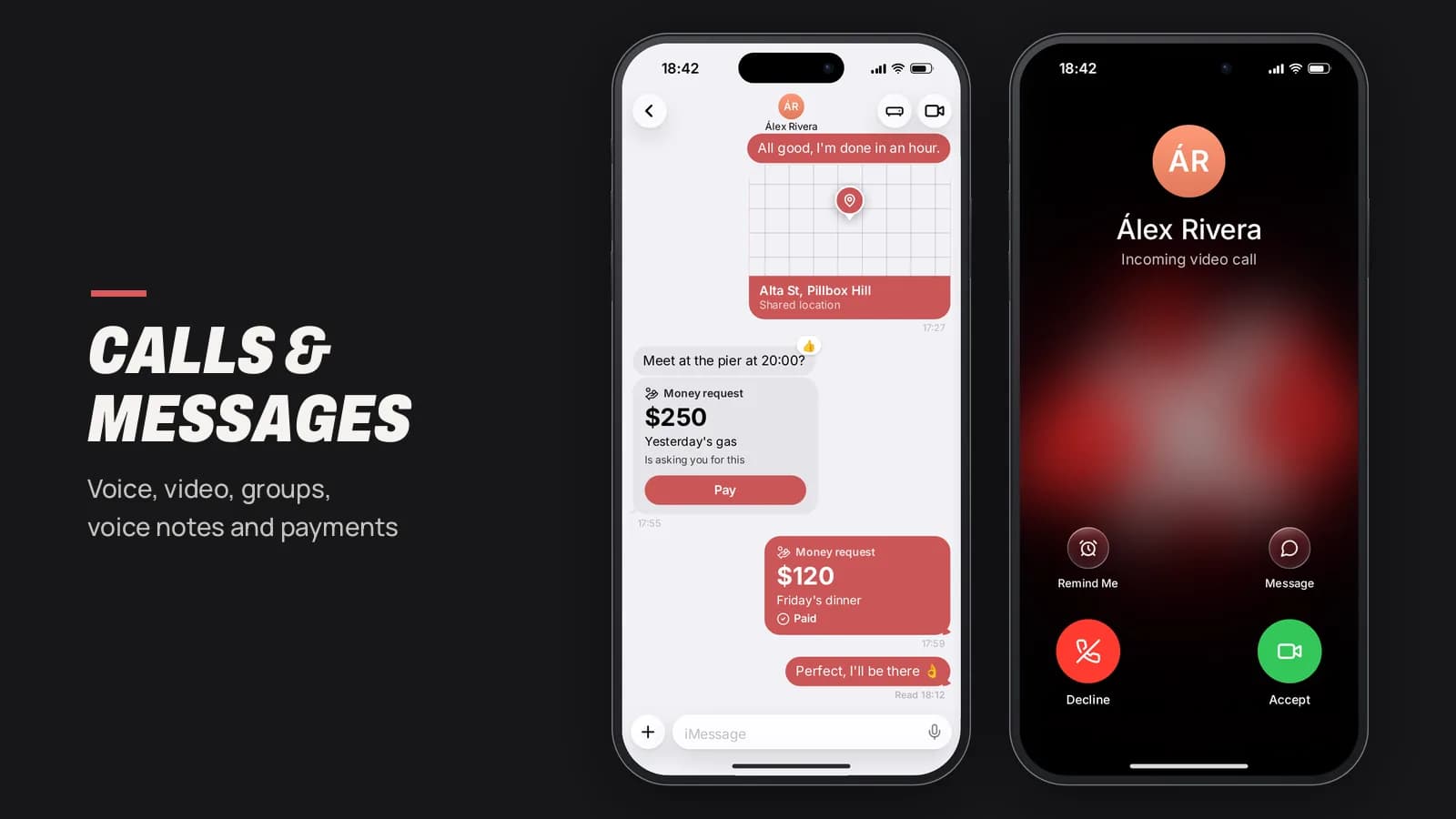
Messages with voice notes, GIFs, locations and payments
Messages covers one-to-one chats and groups with photos, editing, typing indicators, pinned and archived chats, and Delivered and Read receipts that respect privacy settings. Hold the microphone to record a voice note and release to send. Share a location as a map thumbnail that opens in Maps or sets a route. Send money, or request it with a Pay button that charges the payer atomically.
GIF search works with Tenor or Giphy, with the API key kept on the server. Contacts support first and last name, a photo from the gallery, a custom ringtone per contact and blocking any number. Mail adds formatted messages, attachments, drafts, scheduled sending and undo, and other scripts can send emails with action buttons.
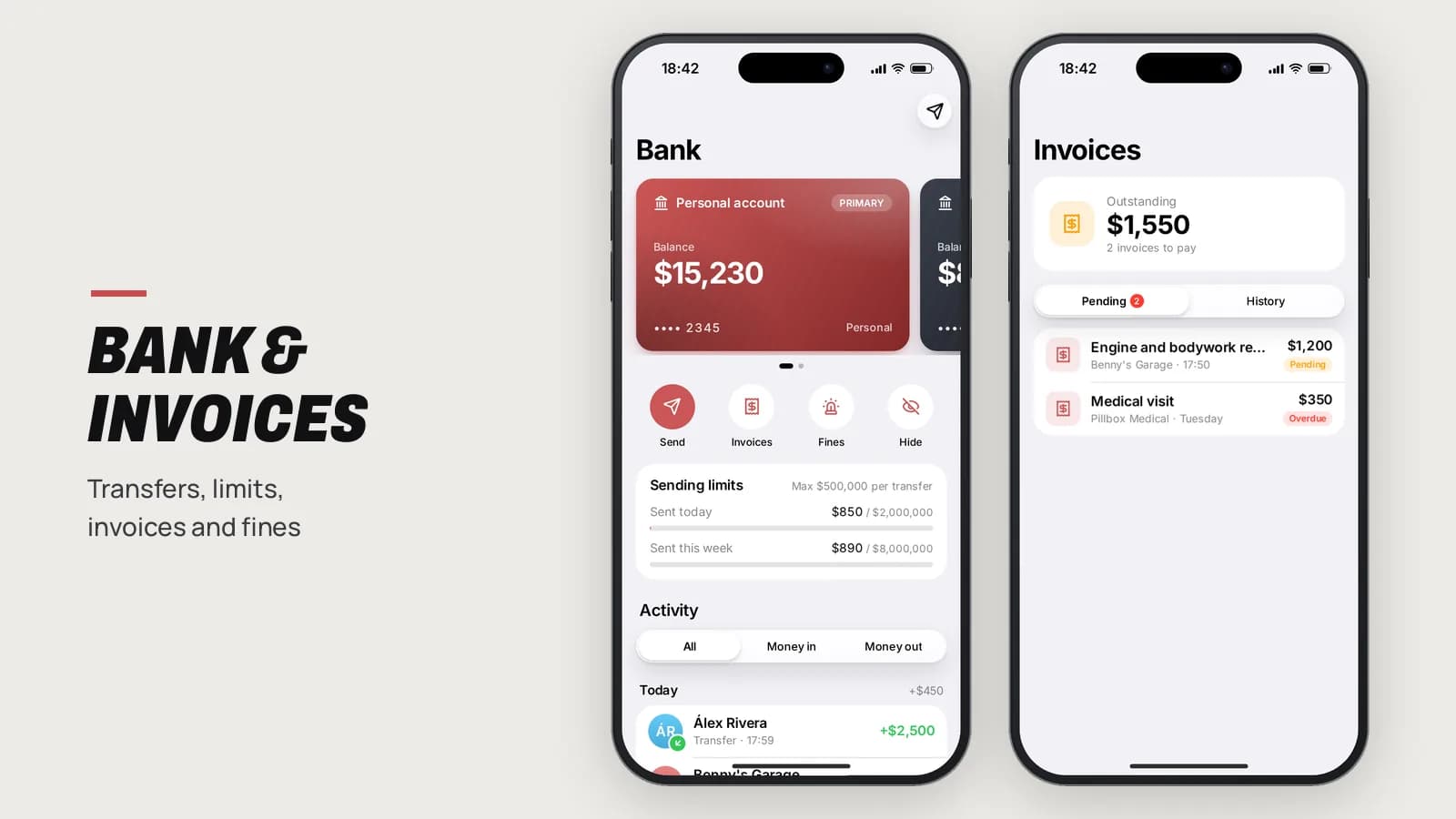
Bank, invoices, fines and crypto on the phone
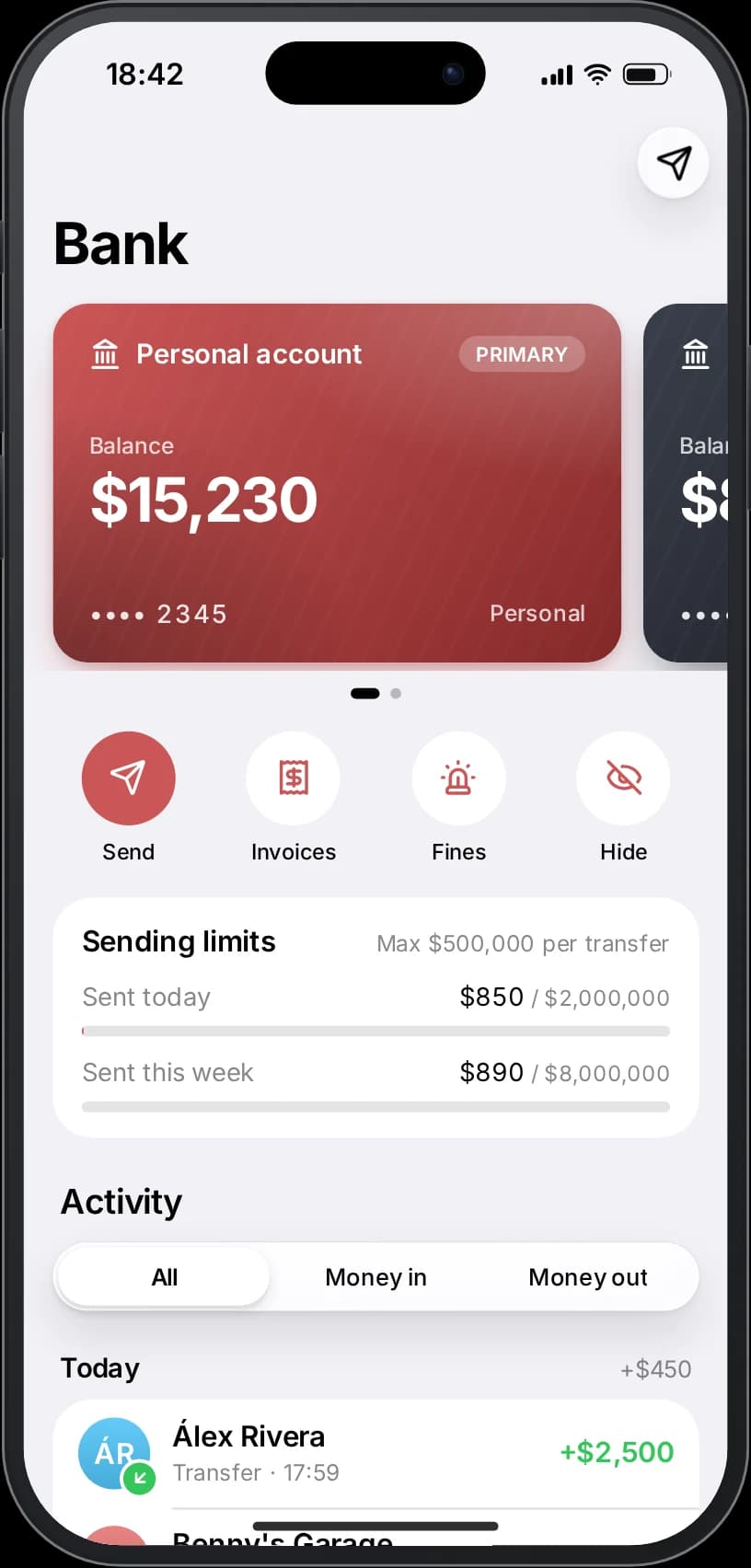
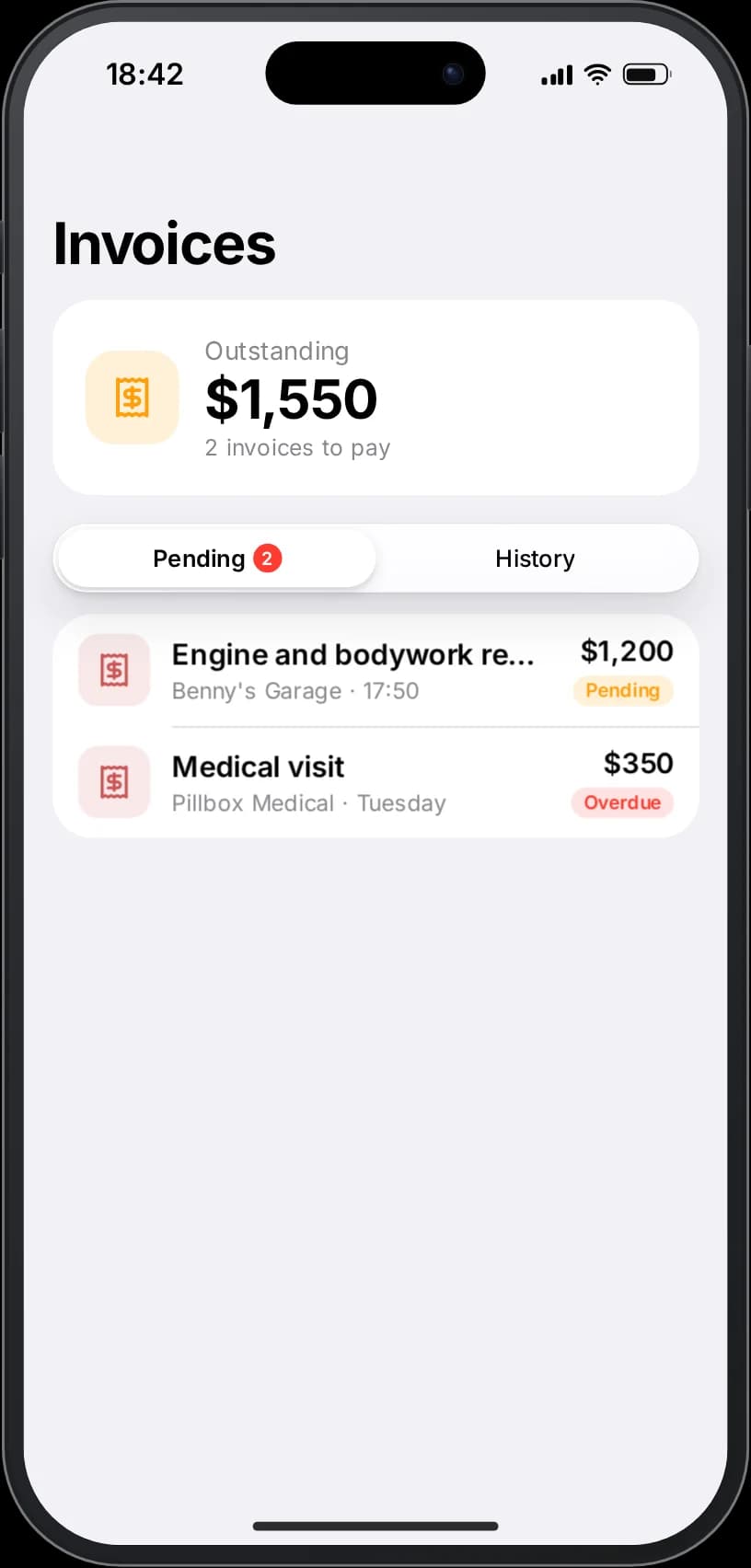
The Bank app shows accounts, daily and weekly sending limits, grouped activity and transfers by contact or number. Invoices and Fines can be paid from any of the player's accounts, refused or issued by jobs you allow. Crypto uses real CoinGecko prices cached on the server, your own simulated coins, or both, with fees, limits per trade and per day, and transfers by phone number.
Money operations are idempotent and atomic in the database, and the bank integration works with rarx_banking or falls back to the framework money when it is not installed.
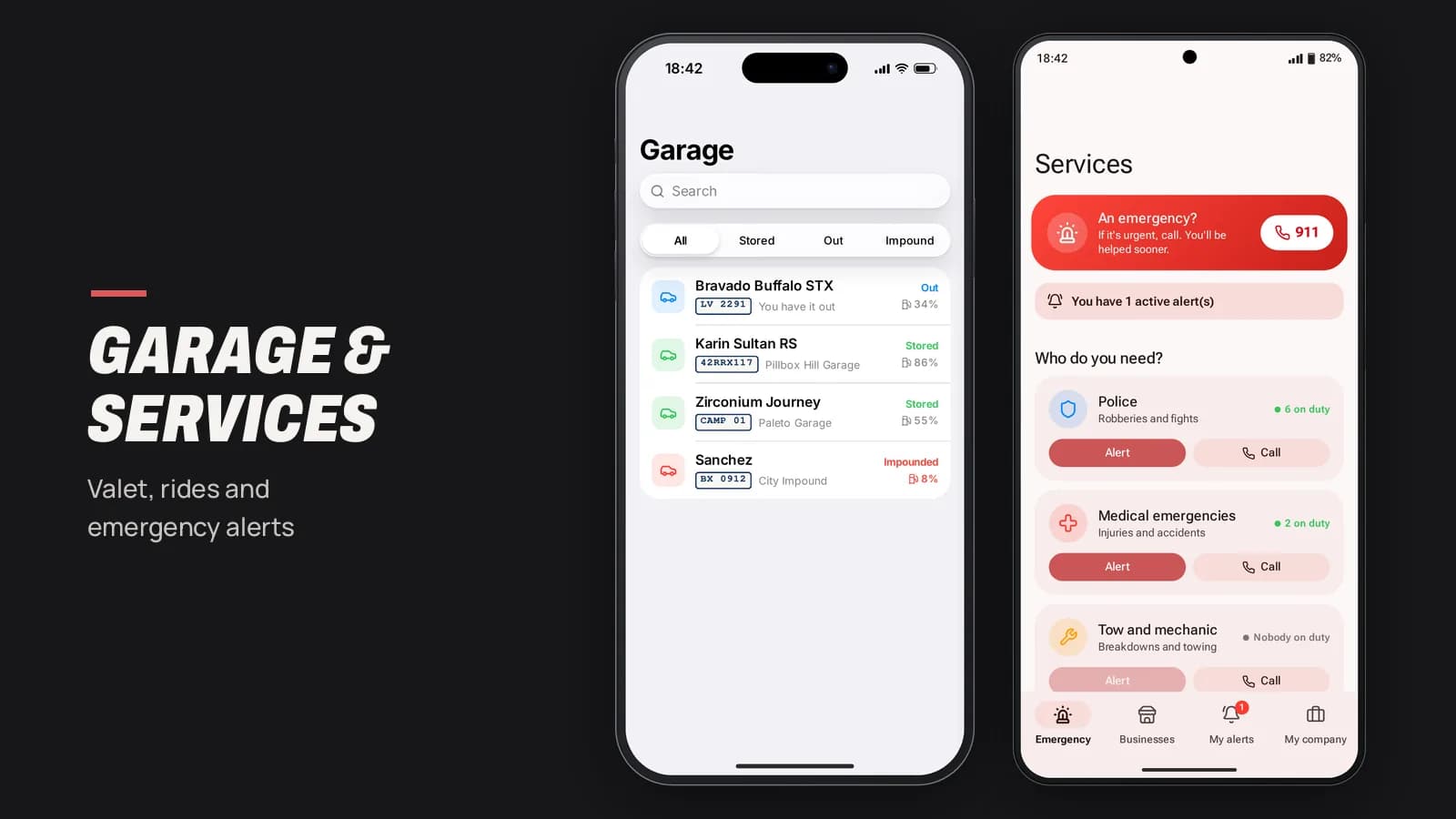
Garage, valet, rides and services for the city
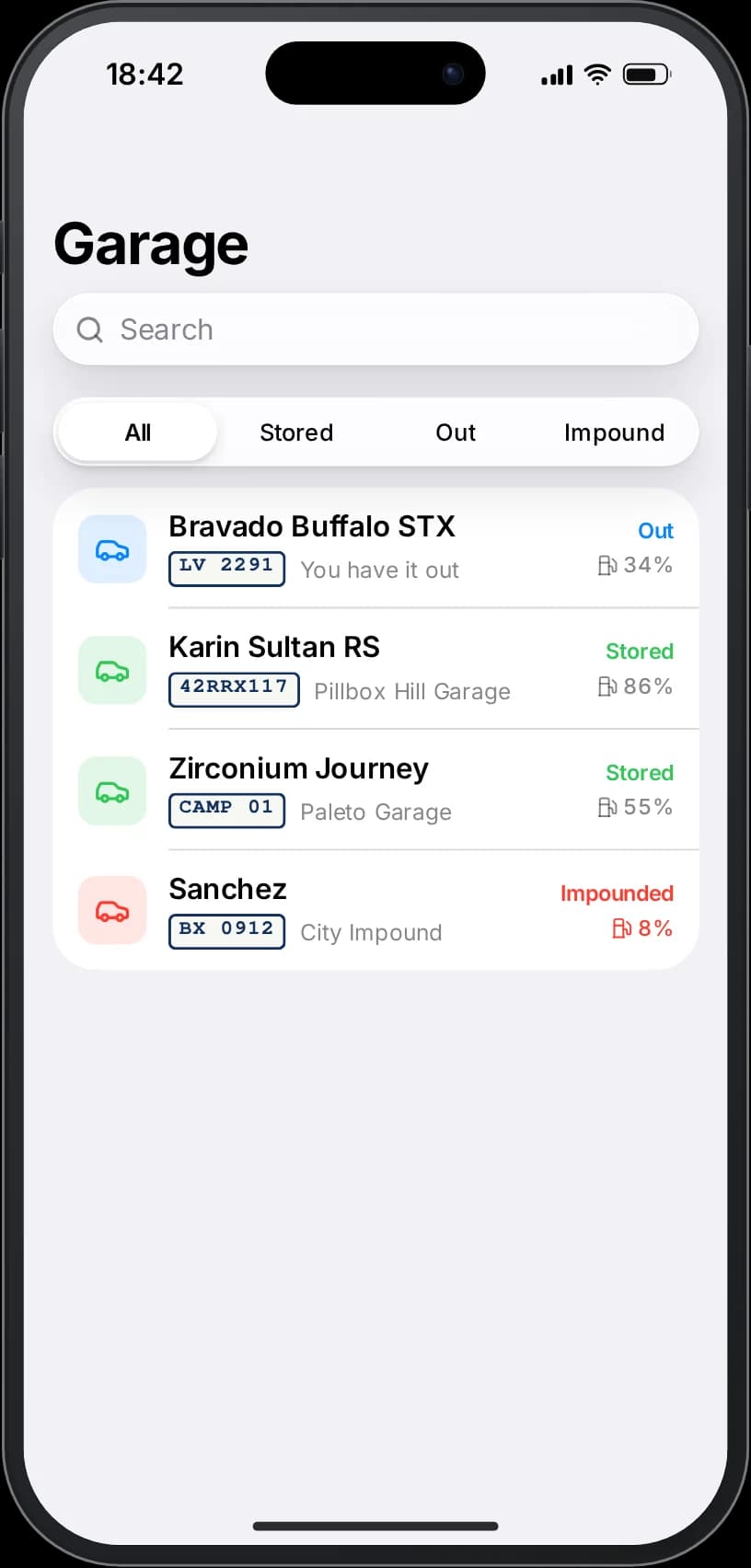
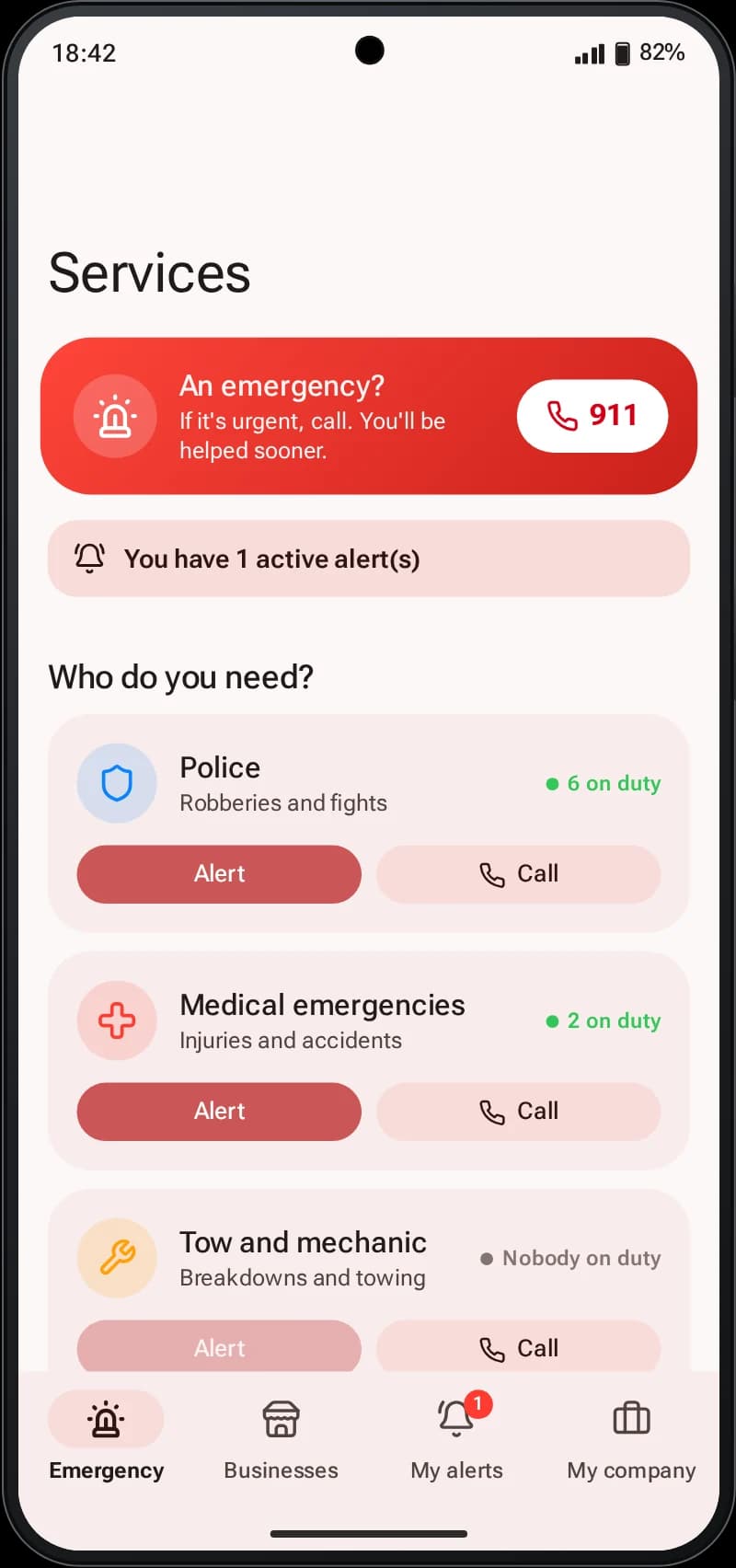
Garage lists owned vehicles with their state, engine, body and fuel, locates them on the map and sets a route. Stored vehicles can be delivered by valet, and the player can follow the car as it arrives. Taxi and GO share a ride system with a customer side and a driver side, price per kilometre and ratings. Services lets players alert police, EMS or businesses with their location, while on-duty workers accept alerts and get a route.
Property shows the homes a player owns or has keys for, opens and closes the door remotely and gives or removes keys, through rarx_housing. Black Market and Classifieds cover trading, and other scripts can register service numbers that answer calls with an IVR menu or reply to text messages.
Camera, gallery and music with a speaker for everyone nearby
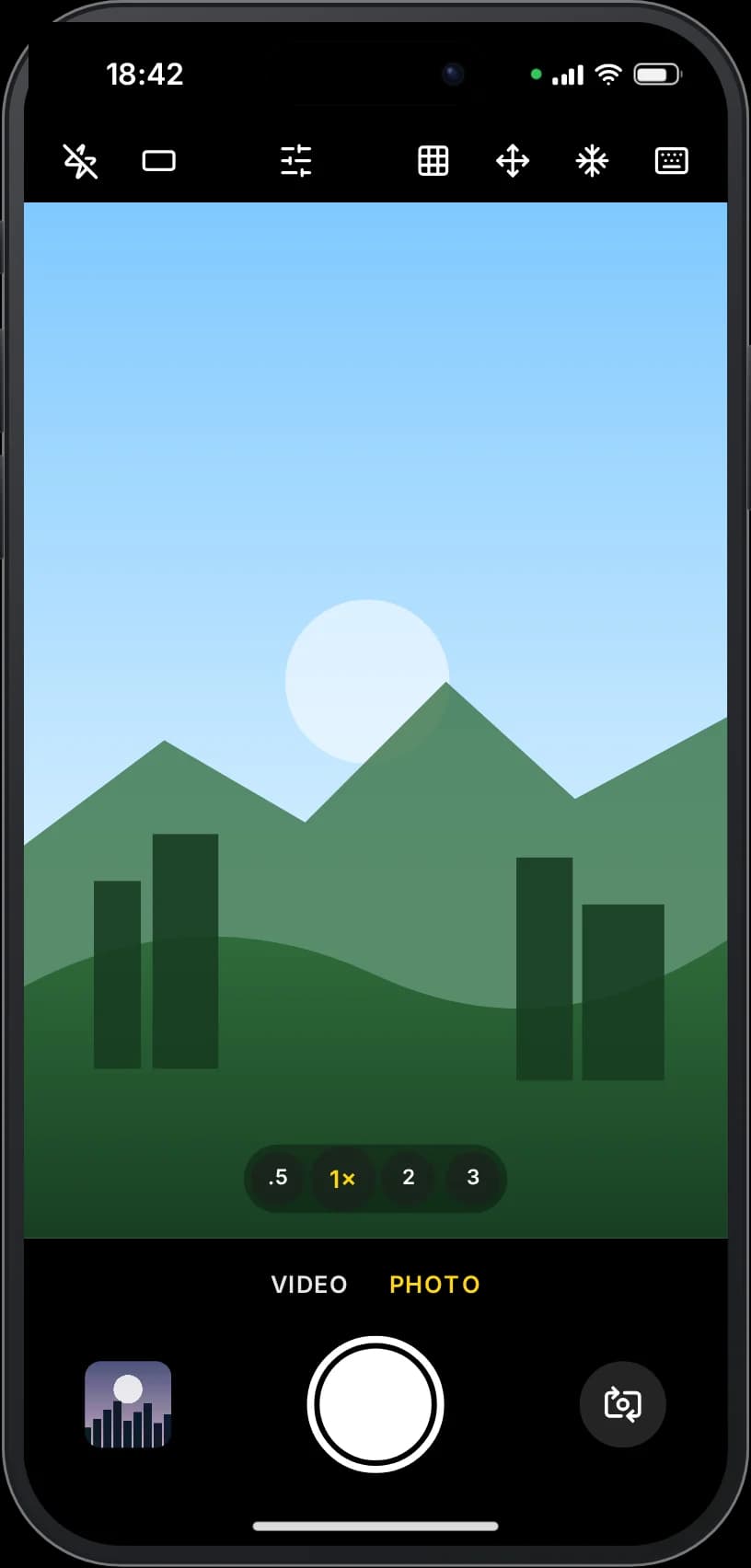
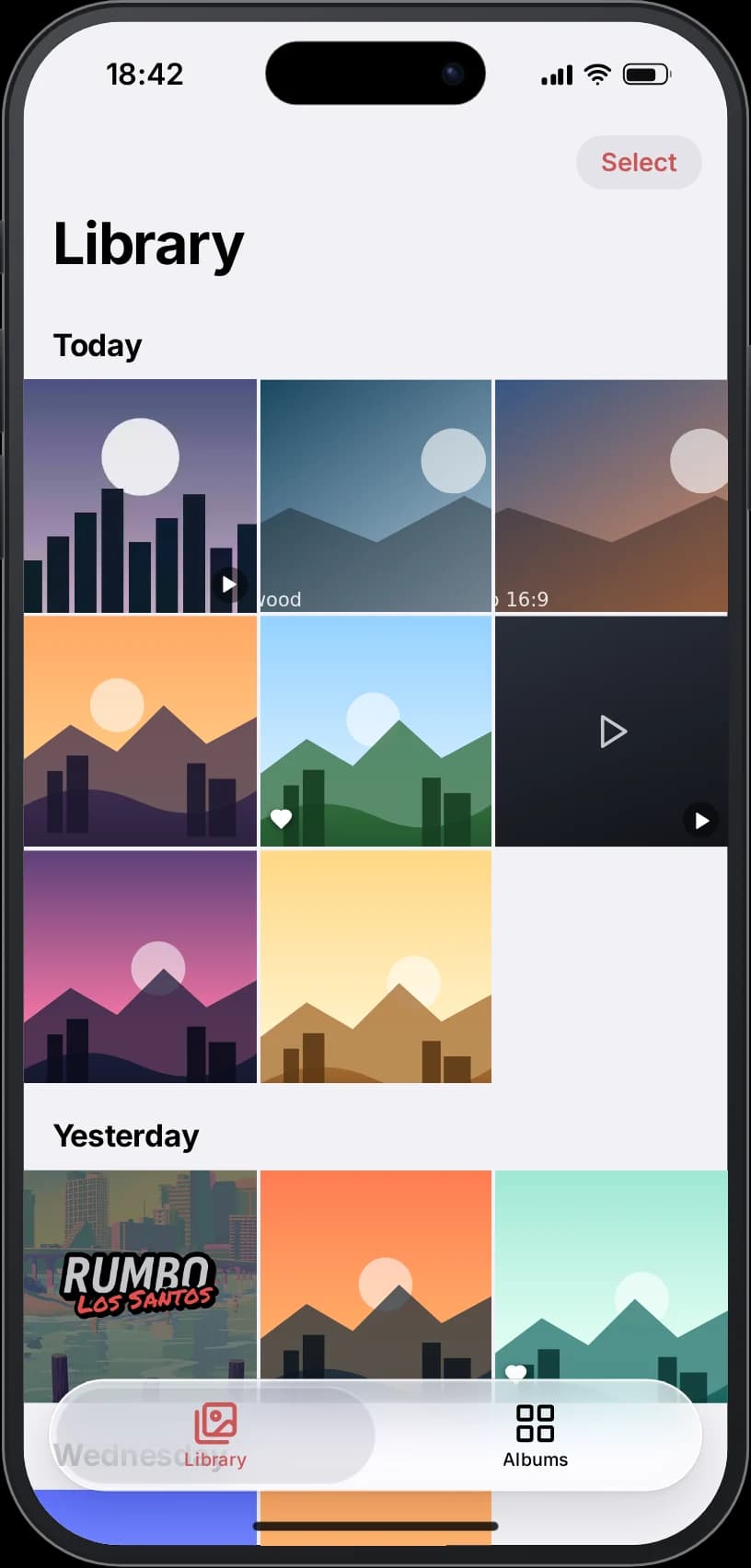
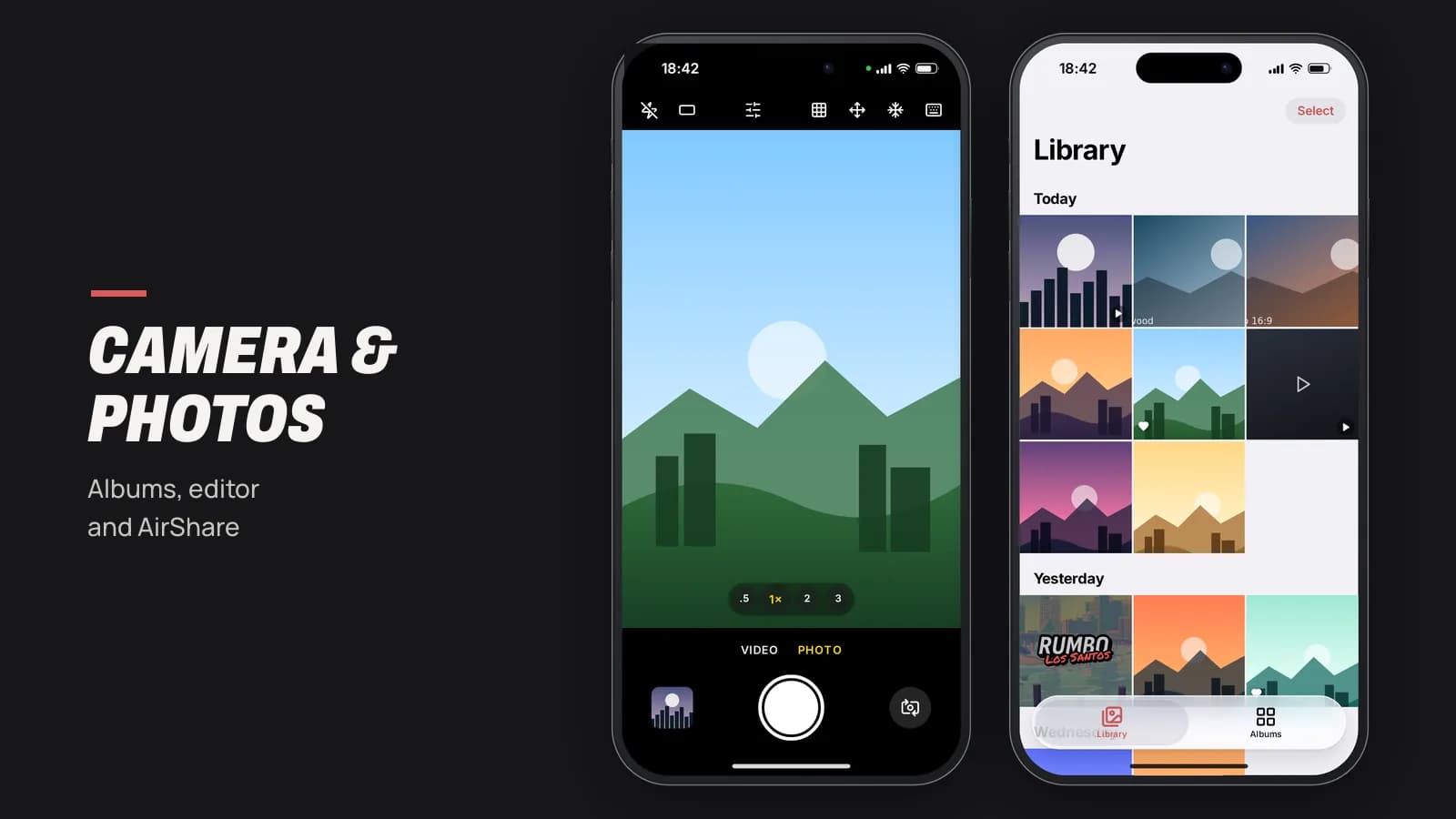
The camera captures the game view with photo and video modes, selfie, zoom including 0.5x, landscape, and a walkable mode. Video length is configurable. Photos land in the gallery, which has albums, shared albums, smart albums, a trash bin and a photo editor with adjustments, filters, crop, rotation, drawing, text and undo. AirShare (nearby share on Andromeda) sends photos, notes, voice memos, locations and contacts to the player beside you.
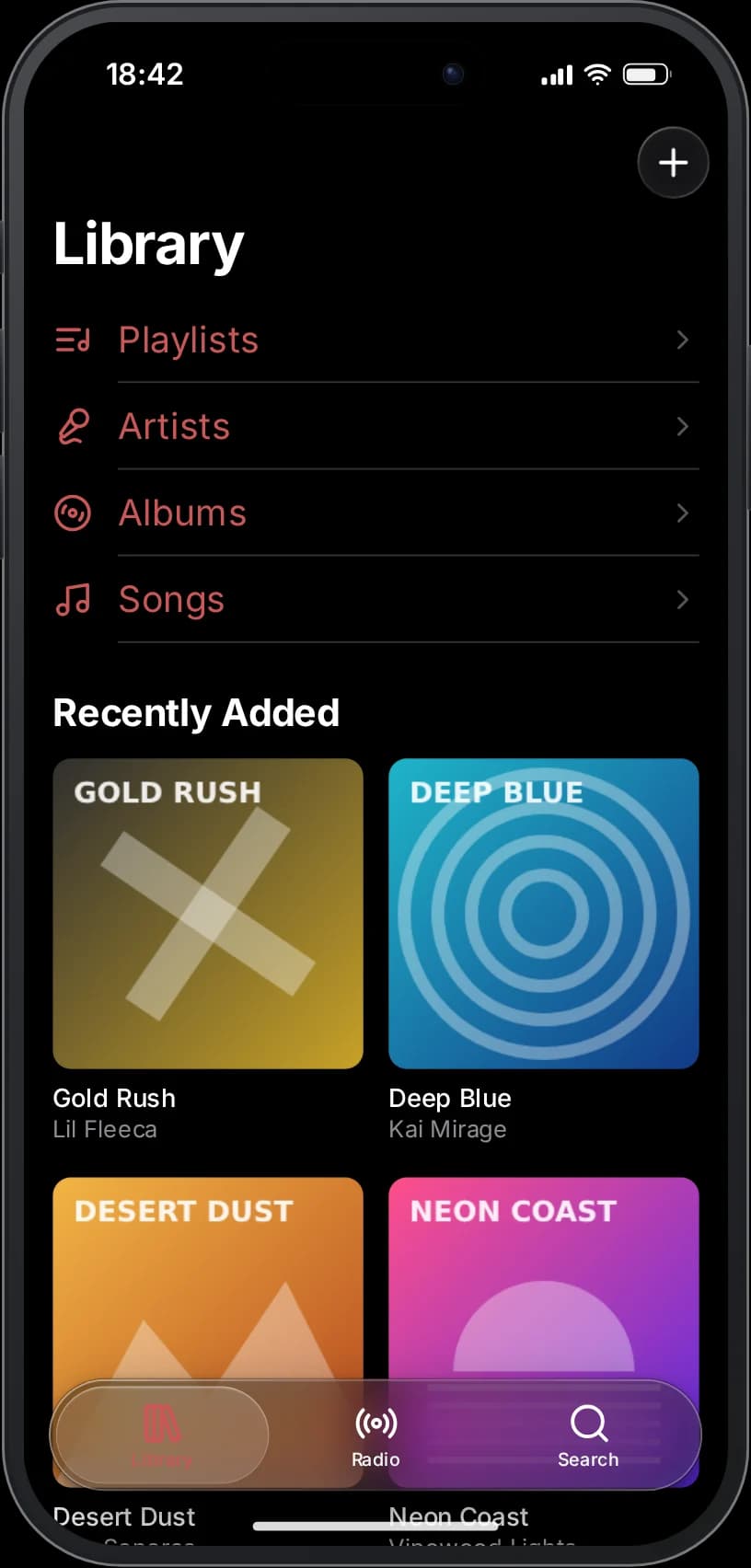
Music is a library with artists, albums, songs and saved playlists, a queue, shuffle and repeat, and YouTube links. Players can turn on the speaker so people within range hear the same track, inside a car or on foot, and the phone also works as a walkie-talkie.
Face Unlock, PIN and Find Device
The PIN is stored hashed, and Face Unlock is tied to the device, not the character, so a stolen phone stays locked. Face Unlock fails if the character wears a mask or bandana, and the foldable Duo uses fingerprint unlock instead. Find Device locates a lost phone, makes it ring and shows a message on its lock screen, and SOS calls emergency services and shares a live location for a few minutes.
Eleven languages and a phone that carries your server brand
The interface ships in English, Spanish, French, German, Italian, Portuguese, Brazilian Portuguese, Dutch, Polish, Turkish and Arabic, with a full right-to-left layout for Arabic. Each player picks a language in Settings, and dates follow the format of that language. Any text can be replaced from the config without editing locale files, which is also how you rename an app for one language only.
New phones start with the wallpaper, accent color, icon pack, theme, ringtone, alert sound and 12 or 24-hour clock you choose in Config.Defaults, without overriding what players have already changed. The currency symbol, carrier name and model names are yours to set as well.
Built for server owners: config, logs and admin tools
- Config.Features: 42 switches to turn off calls, video, uploads, Face Unlock, battery, coverage, any app and more; the server rejects disabled actions.
- Per-app rules: disable, rename per language, change icon, dock position, or restrict by job and grade, on-duty, item, ACE permission or phone model.
- Coverage by cell towers with dead spots and tunnels, validated on the server.
- Logs per category (calls, messages, money, admin and more) to Discord webhooks, ox_lib or FiveManage, with rate-limit handling.
- Uploads through FiveManage, an existing resource or your own endpoint, with keys kept in server convars.
- Startup validation of about 200 config keys with clear console warnings instead of crashes.
- External apps API and an SDK so other resources can add their own apps and widgets.
Everything included
Features
37 apps and the systems around them, grouped by area.
System and Live Island
- Live Island with 7 live activities, split and expanded states
- Incoming call in the island (iFruitOS-style) or heads-up card (Andromeda-style)
- Lock screen editor with 9 fonts, 4 layouts and 18 colors
- Notifications stacked by app with actions
- Control center with music player, silent mode and screenshot to gallery
- Multitasking with live app previews and swipe to close
- Widgets, widget stacks, folders and themes
- Light, dark and automatic theme; three icon packs
- Car mode, low power mode and battery with chargers (optional)
- Cell tower coverage and airplane mode
- Ringtone audible to nearby players
- Shortcuts and Health apps
Calls and video calls
- pma-voice, SaltyChat, TokoVOIP and mumble-voip auto-detection
- Group calls (5 participants by default, configurable)
- Video calls with WebRTC and automatic server-relayed fallback
- Voicemail, voice filter, speaker and keypad tones
- Recents grouped with history, remind me later and quick replies
- Per-contact ringtone and blocking any number
- Emergency numbers that bypass disabled calling
- Service numbers with IVR for other scripts
Messages and mail
- Chats and groups with photos, GIFs and voice notes
- Delivered and Read receipts
- Location bubbles with map thumbnail and route
- Send and request money with a Pay button
- Edit messages, pin and archive chats, typing indicator
- Mail with formatting, attachments, drafts, scheduling and undo
- Mail action buttons sent by other scripts
Social
- Lenz: feed, stories, clips, explore, DMs, close friends and highlights
- Lenz live streams with co-host
- Birdy: For You and Following, threads, reposts, quotes and trends
- Birdy protected accounts, verification and multiple accounts
- Privé: paid posts, tips and creator chats
- Flechazo: swipe deck, matches, chat, super like and rewind
- DarkChat: invite-code rooms, passwords and self-destructing messages
- News and Classifieds with call and message from the ad
Camera and gallery
- Photo and video from the game view, selfie and zoom (0.5x to 3x)
- Landscape, walkable and in-vehicle camera
- Configurable video length (60 s by default)
- Albums, shared albums, smart albums and trash
- Photo editor: adjust, filter, crop, rotate, draw, text, undo
- AirShare to nearby players
Utilities
- Maps with saved places and points of interest
- Weather with 12-hour forecast aligned with the game
- Clock with alarms, world clock, stopwatch and timer
- Notes with lists, Calendar, Calculator and Recorder
- Browser with tabs, history and bookmarks
- Built-in app store to install and remove apps
Bank and money
- Accounts, transfers and daily and weekly limits
- Invoices and Fines: pay, refuse and issue by job
- Crypto with CoinGecko prices and custom coins
- Black Market with escrow, drop points and ratings
- rarx_banking integration with framework money fallback
Garage and valet
- Owned vehicles with state, engine, body and fuel
- Locate and route to a vehicle or garage
- Valet delivery with live tracking
- Remote lock and impounded vehicles
- Property: remote door and key management
Taxi and services
- Taxi and GO rides with customer and driver sides
- Price per kilometre and driver cut
- Ratings and ride activity
- Services: alert police, EMS and businesses with location
- On-duty inbox to accept alerts and set a route
Music and speaker
- Library with artists, albums, songs and playlists
- Queue, shuffle and repeat
- YouTube links played inside the phone
- Speaker mode shared with nearby players, also in vehicles
- Walkie-talkie between phones
Face Unlock and PIN
- Hashed PIN
- Face Unlock per device, blocked by masks
- fingerprint unlock on the foldable Duo
- Find Device: locate, ring and lost message
- SOS with live location
- Remote wipe and transfer to another phone
Admin
- In-game admin panel (ACE rarxphone.admin)
- App access by job, battery chargers and coverage zones
- Phone shop and line recovery points
- Custom number requests, find phones and change numbers
- App bans and moderation
- Per-category logs to Discord, ox_lib or FiveManage
- Console data migration from lb-phone
Apps
- Phone
- Messages
- Lenz
- Camera
- Apps
- Widgets
- Photos
- Settings
- Notes
- Calendar
- Maps
- Weather
- Music
- News
- Bank
- Classifieds
- Services
- Garage
- Taxi
- GO
- Invoices
- Fines
- Clock
- Find Device
- Flechazo
- Calculator
- Property
- Browser
- Recorder
- Crypto
- DarkChat
- Black Market
- Privé
- Birdy
- Shortcuts
- Health
Four devices
Models
The inventory item decides which device the player holds.
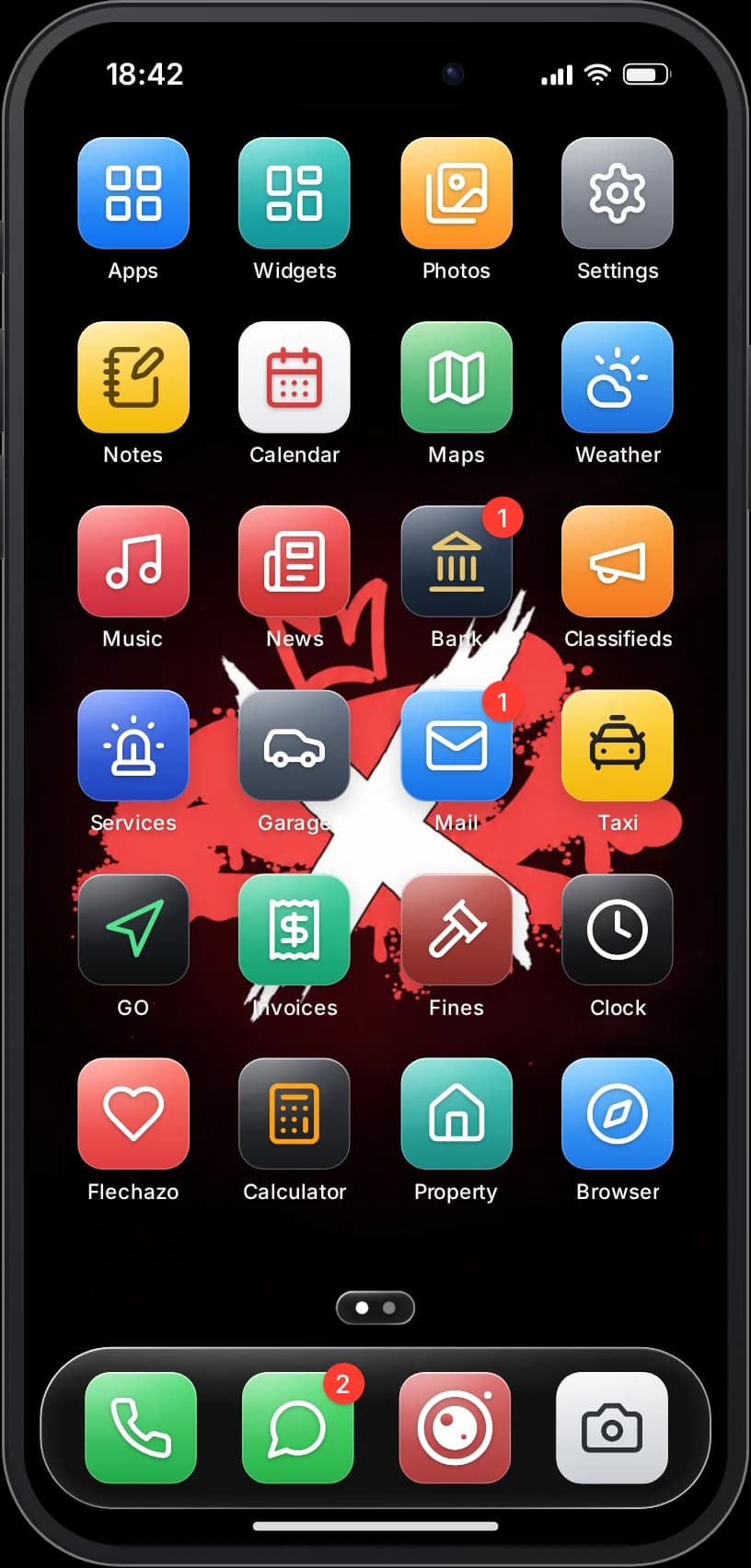
iFruit 17
iFruitOS-style · item
phoneiFruitOS-style phone with Live Island and Face Unlock.
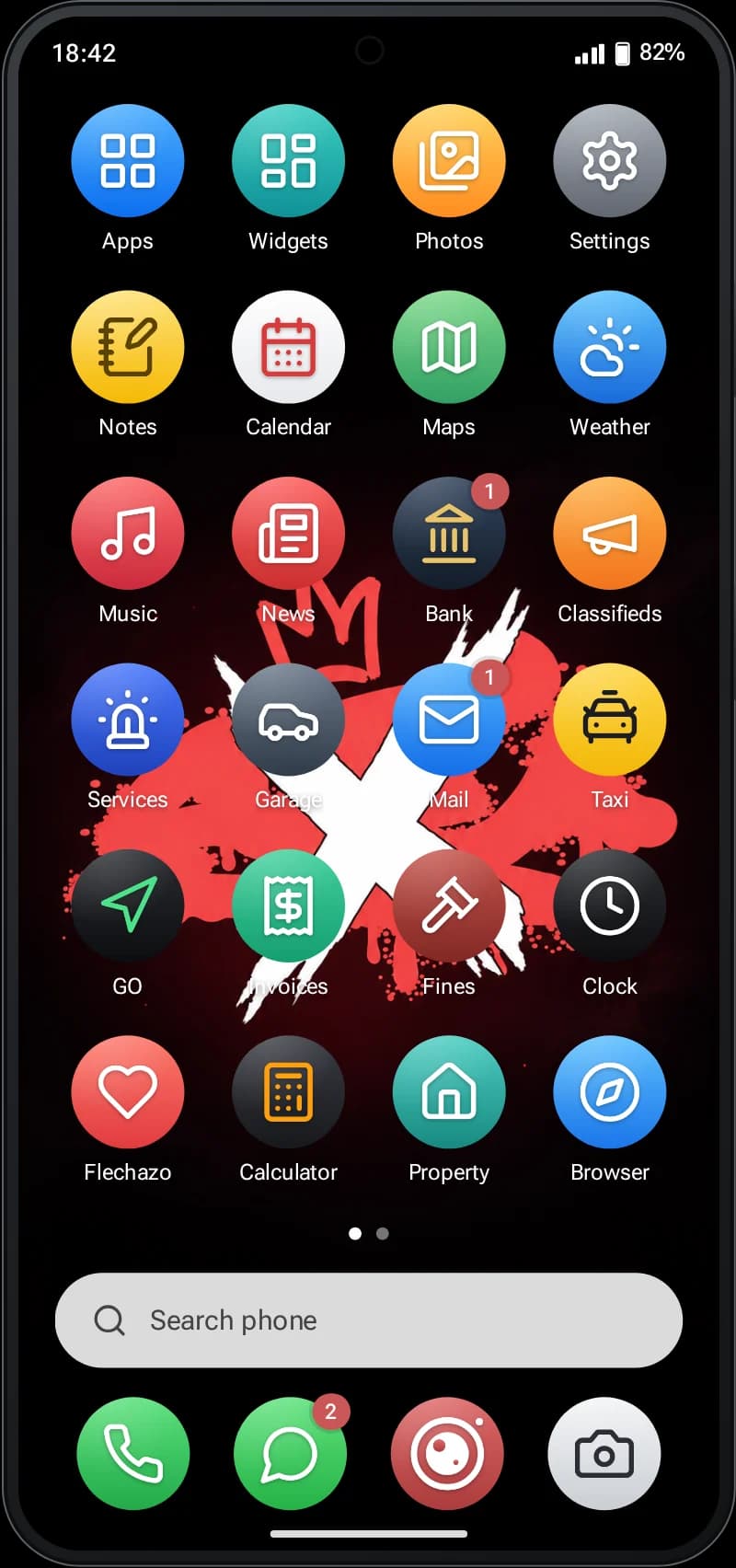
iFruit S26
Andromeda-style · item
ifruit26Andromeda-style phone with Andromeda design.
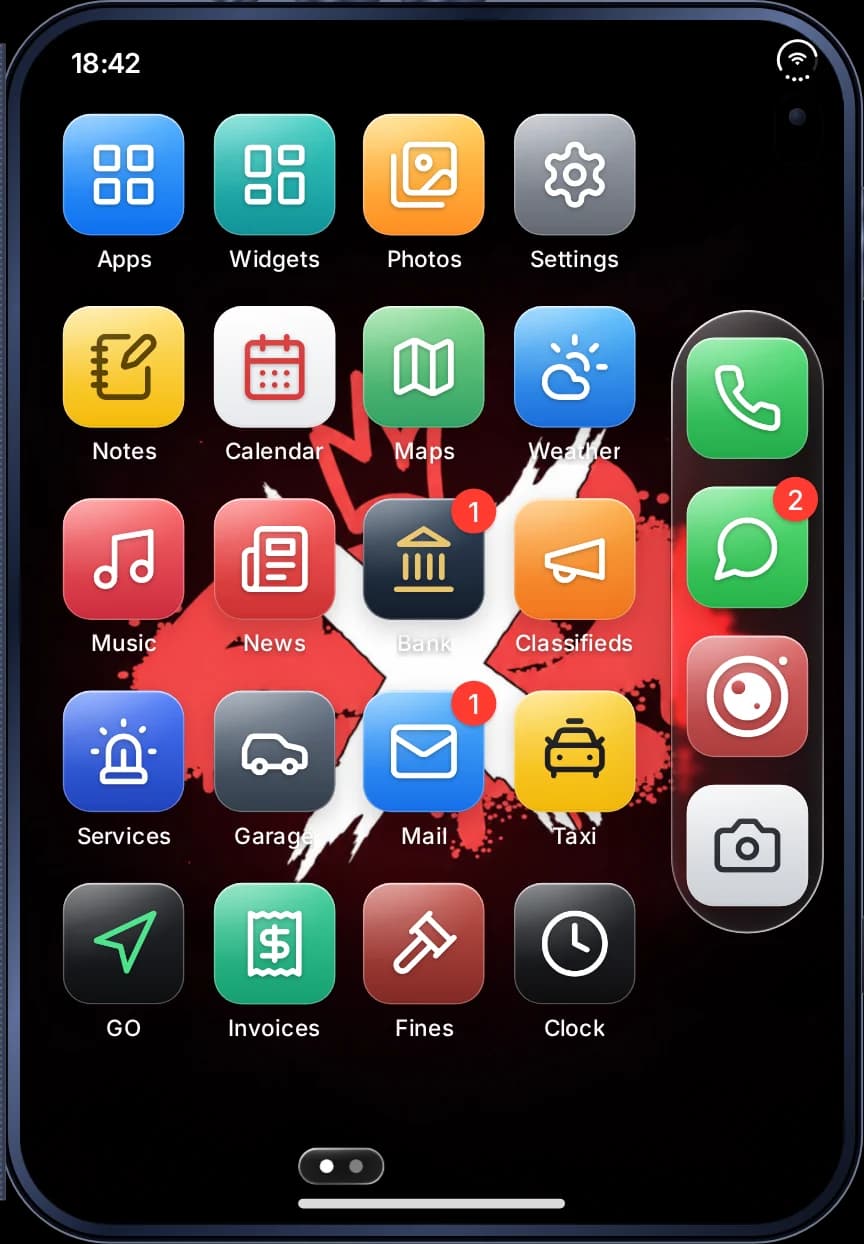
iFruit Duo
iFruitOS-style · item
ifruitduoBook-style foldable with fingerprint unlock and a side rail.
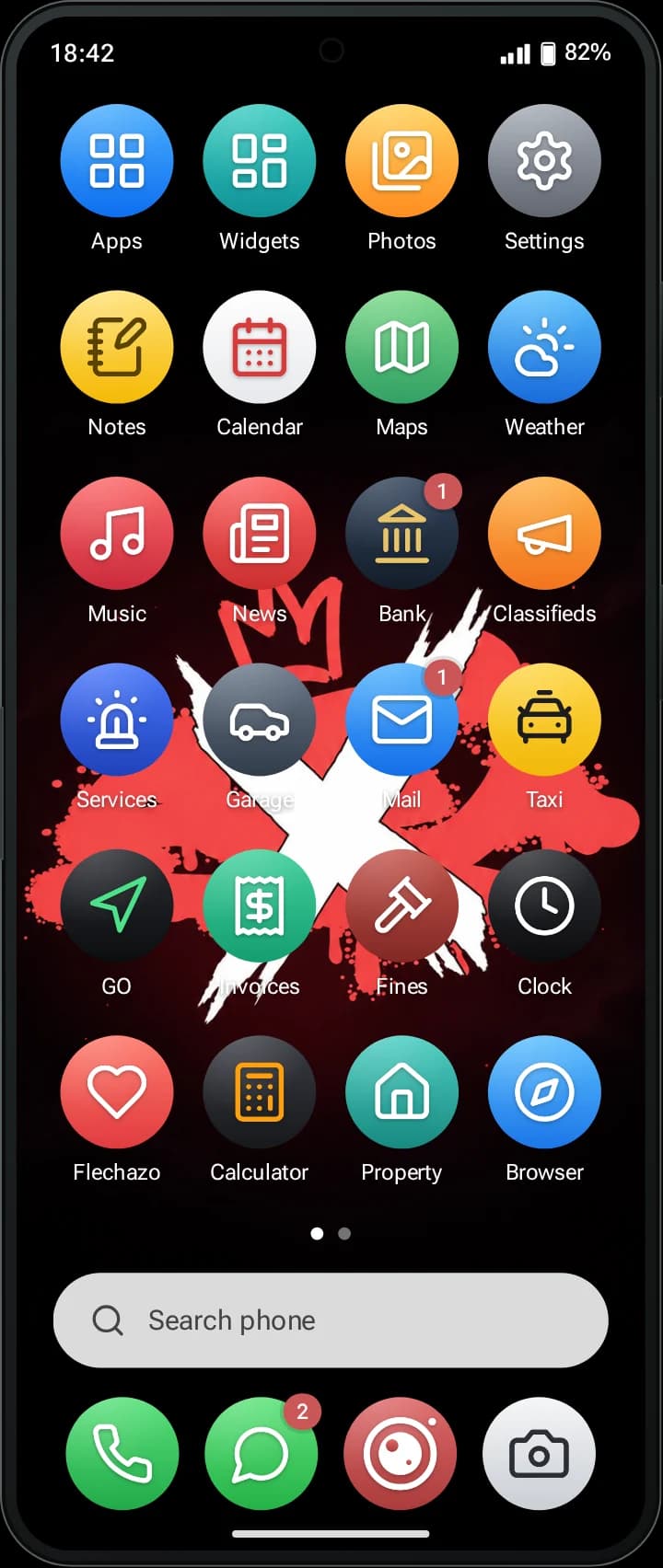
iFruit Z Fold
Andromeda-style · item
ifruitzfoldAndromeda-style foldable with a wide two-pane layout.
Before you install
Compatibility
Frameworks
- Qbox
qbx_core- QBCore
qb-core- ESX
es_extended (Legacy)
Config.Framework = 'auto' checks qbx_core, then qb-core, then es_extended. It can be forced to qbx, qb or esx.
Inventories
- ox_inventory
ox_inventory- qb-inventory
qb-inventory- qs-inventory
qs-inventory- codem-inventory
codem-inventory- core_inventory
core_inventory- ESX default inventory
es_extended- rarx_inventory
rarx_inventory
Config.Item.Inventory = 'auto' detects the running inventory; phone items carry the number and a device id in their metadata.
Voice
- pma-voice
- Calls, speaker, voice filters and call volume.
- SaltyChat
- Calls and speaker.
- TokoVOIP
- Calls.
- mumble-voip
- Calls and voice filters.
Resources and database
Required: ox_lib, oxmysql
Optional: rarx_banking, rarx_garages, rarx_housing, rarx_business, rarx_uploader, qbx_vehiclekeys
Database: MySQL 5.7/8 or MariaDB. Tables and migrations install themselves on start (can be disabled).
Coming from lb-phone
The manifest declares provide 'lb-phone' and registers lb-phone export aliases and events, so scripts that call exports['lb-phone'] keep working. A few LB exports are not implemented yet and are listed in the API docs. The console command rarxphone_migrarlb copies numbers, contacts, messages, gallery, mail, social accounts and more from LB tables, which are only read.
Languages
- Englishen
- Spanishes
- Frenchfr
- Germande
- Italianit
- Portuguesept
- Portuguese (Brazil)pt-BR
- Dutchnl
- Polishpl
- Turkishtr
- Arabicar
Open files: config/*.lua, custom/**/*.lua, locales/*.json, sql/**/*
Setup
Installation
- 01
Install the requirements
Make sure ox_lib, oxmysql, your framework (Qbox, QBCore or ESX) and your inventory are installed.
- 02
Add the resource and start it last
Place rarx_phone in your resources folder and ensure it after the framework and the inventory, so auto-detection finds them.
ensure ox_lib ensure oxmysql ensure qbx_core ensure ox_inventory ensure rarx_phone - 03
Add the phone items
Create the items phone, ifruit26, ifruitduo and ifruitzfold in your inventory. Each item opens its model. With ox_inventory you can point the item to the rarx_phone.UsePhoneItem export; with qb-inventory and the ESX inventory it is registered automatically.
- 04
Start the server
On first start the phone creates its database tables and applies pending migrations. Set rarx_phone_auto_sql 0 if you prefer to import the SQL yourself.
- 05
Configure
Edit config/funciones.lua (features and keys), config/apps.lua (apps), config/marca.lua (brand and defaults) and config/config.lua. Invalid values are reported in the console. Players open the phone with F1 or /rarxphone by default.
- 06
Optional services
Set your FiveManage key in a convar for photo, video and audio uploads, TURN convars for video calls behind strict networks, a Tenor or Giphy key for GIFs, and webhooks in config/logs.lua.
set rarx_phone_fivemanage_key "your-key" - 07
Coming from lb-phone
Stop lb-phone, start rarx_phone, run rarxphone_migrarlb to preview what will be copied, back up the database and run rarxphone_migrarlb ejecutar twice within 60 seconds to confirm.
This is a summary. Configuration, exports, events and troubleshooting are in the full documentation.
Good to know
Questions about the phone
Something not covered here? Open a ticket in our Discord with your framework and the error you see.
Get supportWhich frameworks does RARX Phone support?
Qbox, QBCore and ESX Legacy. With Config.Framework = 'auto' it detects qbx_core, qb-core or es_extended on start; the framework must start before the phone.
Which inventories work with it?
ox_inventory, qb-inventory, qs-inventory, codem-inventory, core_inventory, the default ESX inventory and rarx_inventory. With inventories that support metadata, phone items carry their number and a device id, and Face Unlock is enrolled per device, so a stolen phone stays locked.
Which voice systems are supported for calls?
pma-voice, SaltyChat, TokoVOIP and mumble-voip, detected automatically in that order. Speaker mode works with pma-voice and SaltyChat; voice filters with pma-voice and mumble-voip.
Will my scripts that use lb-phone exports still work?
The resource declares provide 'lb-phone' and registers aliases for the lb-phone exports and events, so scripts calling exports['lb-phone'] keep working. The API documentation lists the few LB exports that are not available yet.
Can I migrate player data from lb-phone?
Yes. The console command rarxphone_migrarlb first simulates and reports what it would copy, then copies numbers, settings, contacts, calls, messages and groups, gallery, notes, mail, alarms, voicemail, recordings, map places, Instapic to Lenz, Birdy, ads, DarkChat and crypto. LB tables are only read and running it twice does not duplicate data.
Do video calls need extra setup?
No. They work with STUN out of the box and fall back to server-relayed frames when a direct connection fails. Adding Cloudflare TURN convars makes direct video work on more networks.
Do I have to import SQL files?
No. Tables and migrations are installed on start, only rarx_phone_* tables are touched and nothing is dropped. You can disable it with set rarx_phone_auto_sql 0.
Can I disable or rename apps?
Yes, from config/apps.lua: disable apps, rename them per language, change icons and dock positions, or restrict them by job, grade, on-duty status, item, ACE permission or phone model. Config.Features has 42 switches for functions such as video calls, uploads or Face Unlock.
Which languages are included?
English, Spanish, French, German, Italian, Portuguese, Brazilian Portuguese, Dutch, Polish, Turkish and Arabic (right-to-left). Any text can be overridden from the config.
Where are photos and videos stored?
Uploads go to FiveManage by default, through an existing upload resource, or to your own endpoint. Keys are read from server convars and media URLs are checked against an allow-list.
Can I try it before it is released?
Yes. The live demo runs the real interface in your browser with sample data; you can switch between the four models and languages.
Keep exploring

Social apps: Lenz, Birdy, Privé, Flechazo and DarkChat
Lenz is the photo and video network: feed, stories, clips, explore, comments with replies, direct messages, close friends, highlights, pinned clips and live streams with co-hosts. Birdy is a microblog with a For You feed, Following, threads, reposts and quotes, mentions, hashtags, 24-hour trends, protected accounts and several accounts per character.