
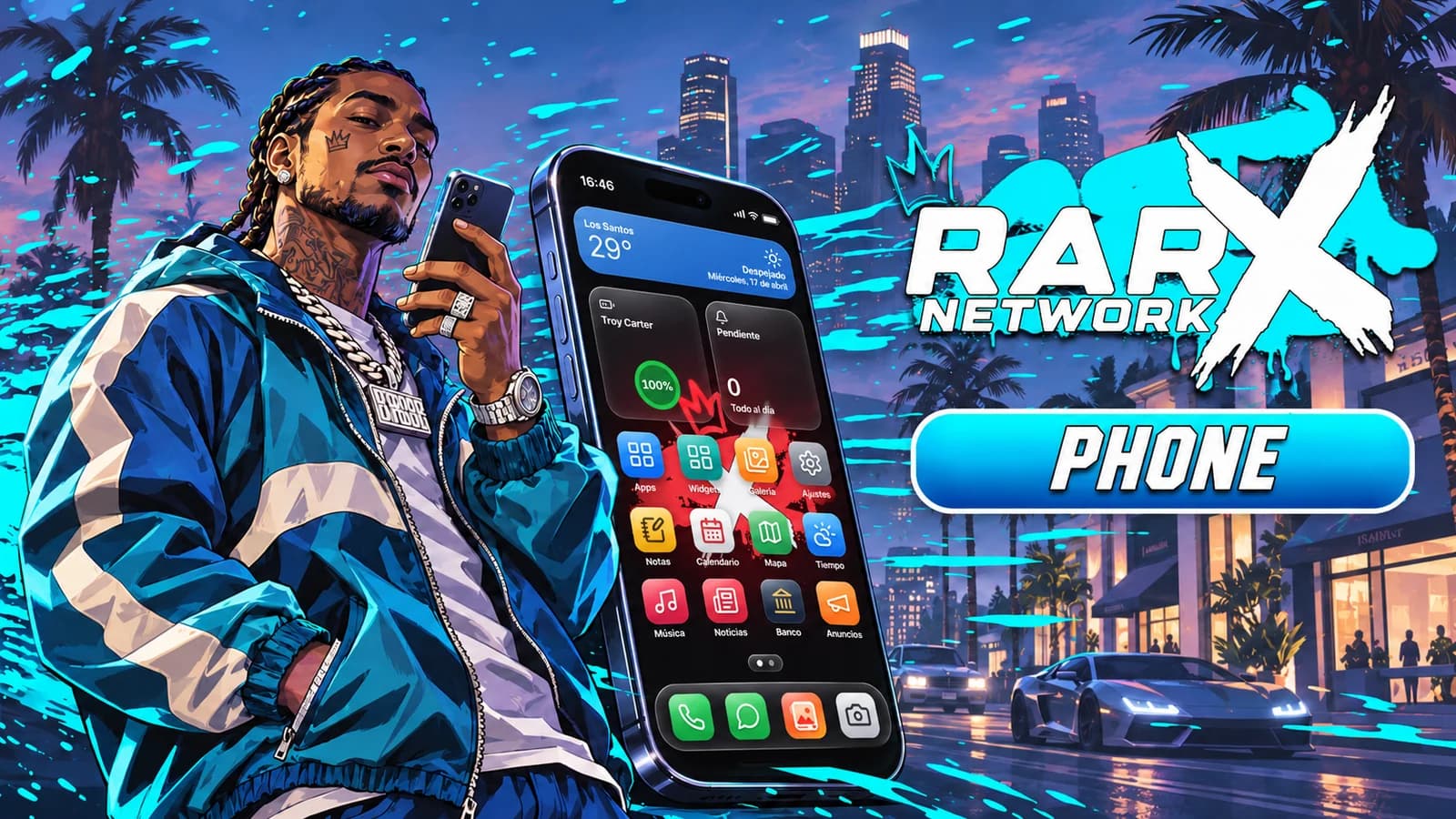
RARX Phone
RARX Phone
Full FiveM smartphone with four models, Live Island, video calls and 37 apps for Qbox, QBCore and ESX.
- Qbox
- QBCore
- ESX
- v2.0.0
rarx_phone
What is RARX Phone#
RARX Phone (resource name rarx_phone) is a full in-game smartphone for FiveM roleplay servers. It ships with four devices (two of them foldables), live activities in a Live Island, voice and video calls, messages, social apps, banking, garage and city services, all configurable without touching code.
The interface was rebuilt from scratch with Vue 3 and TypeScript for the Chromium version inside FiveM. The server side validates every action: money, messages, media hosts, rate limits and permissions are checked on the server, not trusted from the interface.
Highlights#
- Four real devices: iFruitOS-style, Andromeda-style and two foldables that open into a tablet layout.
- Live Island: calls, music, timers, rides, voice recording and Face Unlock as live activities with working controls (answer, decline, mute, speaker, hang up, play, pause, skip, stop).
- Calls and video calls: works with the voice resource you already run, group calls (5 participants by default), voicemail, and video calls over WebRTC with an automatic server-relayed fallback.
- 37 apps: Messages, Mail, Lenz, Birdy, Privé, Flechazo, DarkChat, Bank, Invoices, Fines, Crypto, Garage, Taxi, GO, Services, Music, Camera, Photos and more. See Apps.
- Security: hashed PIN, Face Unlock tied to the device (not the character) so a stolen phone stays locked, Find Device and SOS.
- Drop-in for lb-phone scripts: the resource provides
lb-phonewith export aliases and events, plus a console tool to migrate LB data. - Configure, not code: feature switches, per-app rules (disable, rename, restrict by job, item, ACE or model), branding and 11 languages in open config files. Invalid values are reported in the console at startup.
- Self-installing database: tables and migrations install themselves on start.
- Server-owner tools: in-game admin panel, per-category logs to Discord, ox_lib or FiveManage, cell coverage, phone shops and line recovery points.
Phone models#
The phone item decides which device the player holds. Each model has its own frame, status bar, navigation and component kit.
| Item | Default name | Style | What is special |
|---|---|---|---|
phone |
iFruit 17 | iFruitOS-style | Live Island, glass surfaces and Face Unlock. |
ifruit26 |
iFruit S26 | Andromeda-style | Andromeda components, quick settings and a heads-up call card. |
ifruitduo |
iFruit Duo | iFruitOS-style foldable | Book-style foldable with fingerprint unlock, a corner island, a vertical dock and a side rail for navigation. Opened, the home screen shows two pages side by side. |
ifruitzfold |
iFruit Z Fold | Andromeda-style foldable | Opens into a wide layout where list-and-detail apps (Messages, Settings, Mail, Notes...) show both panes at once. |
On the foldables the hinge sits on the left edge; use it to open and close the device.
When a call arrives while the player is in an app, the iFruitOS-style phones show it in the island and the Andromeda-style phones show a floating heads-up card. With the phone locked, the full-screen call screen is used.
Supported frameworks#
| Framework | Resource | Config.Framework |
|---|---|---|
| Qbox | qbx_core |
'qbx' |
| QBCore | qb-core |
'qb' |
| ESX Legacy | es_extended |
'esx' |
With Config.Framework = 'auto' (default) the phone checks, in this order, qbx_core, qb-core and es_extended. Detection happens once when the resource loads, so the framework must start before rarx_phone.
Supported inventories#
| Inventory | Resource | Phone number in item metadata | How the item is made usable |
|---|---|---|---|
| rarx_inventory | rarx_inventory |
Yes | client.export in the item definition |
| ox_inventory | ox_inventory |
Yes | client.export in the item definition, or automatically through the framework |
| qs-inventory | qs-inventory |
Yes | Automatic |
| codem-inventory | codem-inventory |
Yes | Automatic |
| core_inventory | core_inventory |
Yes | Automatic |
| qb-inventory | qb-inventory |
Yes | Automatic |
| ESX default inventory | es_extended |
No | Automatic |
With Config.Item.Inventory = 'auto' (default) the phone looks for rarx_inventory, ox_inventory, qs-inventory, codem-inventory, core_inventory and qb-inventory in that order, and otherwise uses the framework inventory.
With inventories that support metadata, each phone item carries its number and a device id, and Face Unlock is enrolled per device. The ESX default inventory has no item metadata: Face Unlock per device is disabled (the PIN still works), the number is not stored in the item and using an item opens the player's first phone.
See Installation for the item setup of each inventory.
Voice systems#
Calls use the voice resource you already run. With Config.Calls.Voice = 'auto' (default) the phone detects, in this order:
| Voice resource | Resource name |
|---|---|
| pma-voice | pma-voice |
| SaltyChat | saltychat |
| TokoVOIP | tokovoip_script |
| mumble-voip | mumble-voip |
Requirements#
Required
ox_liboxmysql- A supported framework and inventory (see above)
- MySQL 5.7 / 8 or MariaDB 10.x
Optional integrations
| Resource | Used for |
|---|---|
| A voice resource (see above) | Audio in calls, speaker mode and voice filters |
rarx_banking |
Bank, invoices, fines and payments. Without it, the framework money is used. |
rarx_garages, qbx_vehiclekeys |
Garage and valet |
rarx_housing |
Property app (remote door and keys) |
rarx_business |
Businesses in the Services app |
rarx_uploader |
Photo, video and audio uploads through an existing resource (FiveManage can also be used directly with a key) |
rarx_map |
Map tiles in the Maps app (the phone ships its own tiles when it is not running) |
rarx_notify |
Notifications outside the phone (falls back to ox_lib when not running) |
Languages#
English, Spanish, French, German, Italian, Portuguese, Brazilian Portuguese, Dutch, Polish, Turkish and Arabic (right-to-left). Each player picks a language in Settings; the default for new phones is Config.DefaultLanguage in config/config.lua.
Next steps#
Add the resource, create the items, start the server and test before going live.
Features, apps, branding, calls, uploads and logs.
Every app that ships with the phone and what it does.
Client and server API for other resources.
Add your own apps and widgets from another resource.
Keep lb-phone scripts working and copy player data.