
Door locks · FiveM guide

FiveM Door Lock Script for QBCore, Qbox & ESX

A door lock script decides who can open which door on your map: the police station, the hospital back rooms, a gang hideout, a bank vault, a private business. When it works, nobody notices it. When it does not, officers get locked out of their own building, staff spend their evening editing config files and every new door needs a restart.

This guide covers what to expect from a FiveM door lock script on QBCore, Qbox and ESX, how Rarx Doors handles each point, what it needs installed and the questions server owners ask most before switching.

Buyer's checklist

What a good FiveM door lock script should do

Use these points to compare any door lock resource, including ours.

  1. Create doors in game, not in config files

    Staff should be able to aim at a door, set its rules and save it without writing coordinates by hand. Rarx Doors fills in the model, position and heading from the door you aim at, and the new door is registered on every client straight away, without a restart.

  2. Rules that match how your city is organized

    One door may need a job and a minimum grade, another a gang, another a keycard item. Look for restrictions that can be combined on the same door, such as police grade 2 plus a keycard, and for several jobs on one door for shared buildings.

  3. Lockpicking that uses what you already run

    Criminal roleplay needs doors that can be picked, but a door script should not force a new minigame on you. Rarx Doors detects supported lockpick resources at startup and only lets players pick the doors you enabled for it.

  4. Checks on the server, not in the client

    Every lock and unlock request should be validated on the server against job, gang grade, item ownership and distance before the new state is sent to players. Admin actions in the panel should be permission-checked on the server as well.

  5. Persistence and live sync

    Doors belong in the database so they survive restarts, and changes should reach every connected player instantly. A script that creates its own table on first start also saves you a manual SQL import.

  6. An audit trail for staff

    When a door is deleted or opened at the wrong moment, logs answer the question. Separate webhook channels for door creation, deletion and usage keep that history readable.

RARX resources

The RARX door lock script

One resource covers door locks for every supported framework.

Rarx Doors — Scripts FiveM resource

Scripts

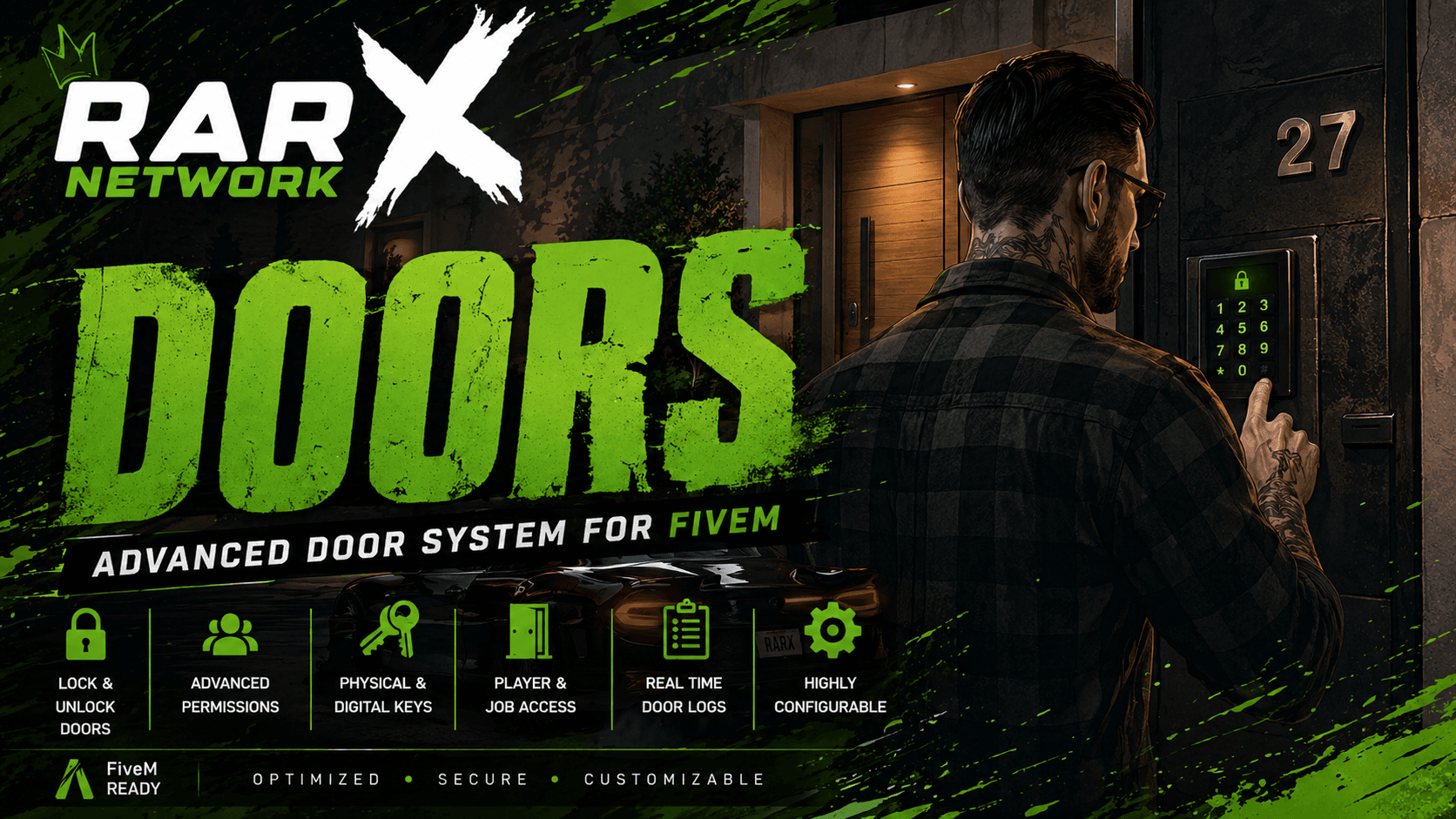
Rarx Doors

Door locks created in game, with job, gang and item restrictions and lockpick support for QBCore, Qbox and ESX.

  • QBCore
  • ESX
  • QBox
€19.99

Rarx Doors

Rarx Doors is a modular door-lock system managed from an in-game admin panel. It detects the framework, inventory, lockpick and gang systems at startup and prints what it found in the startup log, so you can confirm the setup at a glance. Gang-restricted doors fall back to framework gangs when no supported organization resource is running.

Key features

  • Doors created in game. Aim at a door and save it from the admin panel. No SQL editing and no restarts.
  • Job, gang and item locks. Restrict a door by job and grade, gang or organization, or a required item key.
  • Lockpick support. Supported lockpick minigames are detected at startup so players can pick enabled doors.
  • Live database sync. Doors are stored in the database and broadcast to every connected client instantly.

Compatibility

Frameworks, dependencies and integrations

Taken from the product data and its documentation. Optional integrations are detected automatically.

FeatureRarx Doors
Resource namerarx_doors
FrameworksQbox, QBCore, ESX
Framework setupDetected automatically at startup in the order qbx_core, qb-core, es_extended.
Required resourcesox_lib, oxmysql
Optional resourcesqb-lockpick, lockpick or t3_lockpick (lockpick doors), origen_ilegalv2, qs-crimencreator, jc_organizaciones or rcore_gangs (organization locks; framework gangs otherwise)
Inventoriesox_inventory, qb-inventory, qs-inventory, origen_inventory, rarx_inventory
DatabaseThe door table is created automatically on first start. No SQL import is needed.
LanguagesEnglish, Spanish
DocumentationOn this site

Setup

How to install a door lock script

A summary of the setup. The documentation covers configuration, exports and troubleshooting in detail.

Full documentation
  1. 01

    Download from the Cfx.re Portal

    After purchase the resource is linked to your Cfx.re account. Download it and extract rarx_doors into your resources folder.

  2. 02

    Start it after ox_lib and oxmysql

    Add ensure rarx_doors after both dependencies in server.cfg. The door table is created on the first start, so there is no SQL file to import.

  3. 03

    Set language, admin groups and webhooks

    Edit config/config.lua to choose the language, the admin groups allowed to use the panel, the command name and the three webhook URLs.

  4. 04

    Lock your first doors

    Join the server, open the panel with /doors and create doors by aiming at them. Start your inventory and lockpick resources before rarx_doors so detection finds them.

Already running another door lock resource? Stop it before starting Rarx Doors so two scripts do not fight over the same door states. Full documentation: Rarx Doors

Good to know

Door lock script FAQ

Which frameworks does the door lock script support?
Rarx Doors runs on Qbox, QBCore and ESX. The framework is detected automatically at startup in the order qbx_core, qb-core, es_extended, so there is no framework setting to change.
Do I need to write door coordinates by hand?
No. Open the admin panel, aim at the door and create it. The model, coordinates and heading are filled in for you, and the door is saved to the database and sent to every client.
Can a door require both a job and an item?
Yes. Restrictions set on the same door are combined, so a door can require, for example, a police grade and a keycard item. Item keys can also be consumed on use.
Which lockpick resources work with it?
qb-lockpick, lockpick and t3_lockpick are detected at startup. The door also needs lockpicking enabled in its own settings.
Does it work with gangs and organizations?
Yes. Doors can be restricted to framework gangs or to a supported organization resource. Without one, gang-restricted doors fall back to framework gangs.
Does it work with streamed interiors?
Doors work with vanilla and streamed door models, so doors inside custom interiors can be locked the same way.
Is there an SQL file to import?
No. The door table is created automatically the first time the resource starts.

Keep exploring

Lock down your city without a restart

Rarx Doors is managed from an in-game panel on Qbox, QBCore and ESX. Questions about your setup? Ask in our Discord.