
Vending · FiveM guide

FiveM Vending Machine Script for QBCore, Qbox & ESX

Vending machines are small, but players use them constantly: a drink after a shift, a snack in the hospital, coffee in the office break room. When the machines on your map are hard-coded props with fixed items, every change means a config edit and a restart.

This guide covers what to expect from a FiveM vending machine script on QBCore, Qbox and ESX, how Rarx Vending Machines handles each point, what it needs installed and the questions owners ask before adding it.

Buyer's checklist

What a good FiveM vending machine script should do

Use these points to compare vending resources, including ours.

  1. Machines placed by staff, in game

    Admins should create and place machines where they stand. Rarx Vending Machines has an admin panel and a placement editor with an on-screen legend to move, rotate and confirm each prop.

  2. Catalogues by type of machine

    Drinks, snacks, coffee and cigarettes fill in their props automatically, and a custom category lets you build a machine from any interactive prop in the catalogue.

  3. Prices and optional stock

    Each item has its own price and, if you want scarcity, its own stock. Groups, items and placements are saved to the database, so nothing is lost on restart.

  4. Items delivered through your inventory

    Products should be handed out and checked by the inventory you already run. Nine inventories are supported, detected automatically or pinned in the config.

  5. Access and logs

    Management should be limited to staff. Access here is gated by ACE groups, and webhook logs record every group, item and machine created, updated or removed.

  6. Light on the client

    A configurable render distance and interaction radius keep props streamed efficiently, and the [E] prompt only appears when a player is in range.

RARX resources

The RARX vending machine script

One resource for every vending machine on your map.

Rarx Vending Machines — Scripts FiveM resource
New

Scripts

Rarx Vending Machines

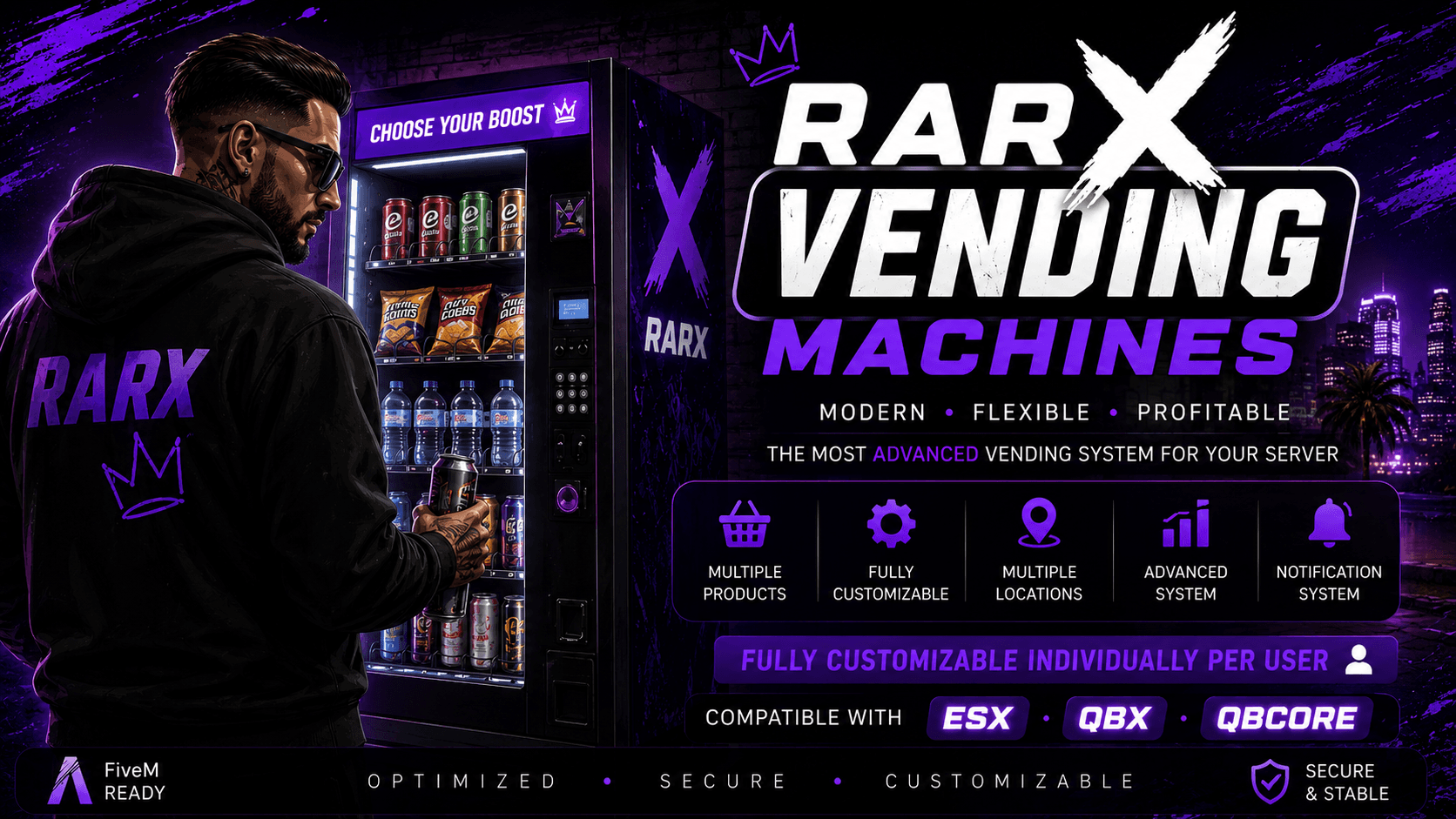
Vending machines placed in game with their own products, prices and stock for QBCore, Qbox and ESX.

  • QBCore
  • ESX
  • QBox
Free

Rarx Vending Machines

Rarx Vending Machines replaces hard-coded vending props with machines your staff place and stock from an in-game panel. Machines are organized into groups that share a catalogue and product list, and everything is stored in the database, so no config files need editing and nothing needs a restart. The database tables are created automatically on the first start.

Key features

  • Managed in game. Create, edit and delete machine groups and items from an admin panel without restarts.
  • Placement editor. Drop props in the world and move, rotate and confirm them with an on-screen legend.
  • Prices and stock. Per-item price and optional stock, saved to the database.
  • Nine inventories. Auto-detects your inventory or lets you pin one of the supported systems.

Compatibility

Frameworks, inventories and dependencies

Taken from the product data and its documentation. The framework is set in the config; the inventory can be detected.

FeatureRarx Vending Machines
Resource namerarx_vmachines
FrameworksQBCore, Qbox, ESX
Framework setupSet Config.Core in config.lua to 'qb-core', 'qbx_core' or 'esx'.
Required resourcesoxmysql, ox_lib, rarx_lib, A supported inventory
Optional resourcesNone
Inventoriesrarx_inventory, ox_inventory, qb-inventory, qs-inventory, ps-inventory, origen_inventory, codem-inventory, tgiann-inventory, core_inventory
DatabaseAll rarx_vmachines_* tables are created automatically on first start. No SQL import is needed.
LanguagesEnglish, Spanish
DocumentationOn this site

Planning

Planning vending machines on your server

Group machines by place, not only by type. A hospital, a police station and an office can each have their own coffee group with different products and prices, and changing one group updates every machine in it. Keep the item names you sell identical to the ones in your inventory, since items are handed out and checked by that inventory.

Use stock where scarcity adds roleplay and leave it off where it would only frustrate players. Machines in remote spots or event areas are good candidates for limited stock; everyday drinks and snacks in busy areas usually work better unlimited. Webhook logs for groups, items and machines help you see who changed a price or moved a machine.

Setup

How to install a FiveM vending machine script

A summary of the setup. The documentation covers categories, permissions and logs.

Full documentation
  1. 01

    Download from the Cfx.re Portal

    Download the resource and extract rarx_vmachines into your resources folder.

  2. 02

    Start it after its dependencies

    oxmysql, ox_lib and rarx_lib must start before rarx_vmachines. The tables are created on the first start.

  3. 03

    Set framework, inventory and language

    Set the core to qb-core, qbx_core or esx, leave the inventory on auto or pin yours, and choose the language with the rarx-lang convar.

  4. 04

    Grant access and place machines

    Add your account to one of the admin groups or grant the custom ace, then open the panel with /vmadmin.

If items are not given to players, make sure the item names you sell exist in your inventory. Full documentation: Rarx Vending Machines

Good to know

Vending machine script FAQ

Which frameworks does Rarx Vending Machines support?
QBCore, Qbox and ESX. Set the core in config.lua to match your server.
Which inventories are supported?
rarx_inventory, ox_inventory, qb-inventory, qs-inventory, ps-inventory, origen_inventory, codem-inventory, tgiann-inventory and core_inventory.
Do I need to import SQL?
No. All tables are created automatically on the first start.
Can I limit how many items a machine has?
Yes. Stock is optional per item. Leave it off for unlimited sales or set it to create scarcity.
Can I build a machine with my own props?
Yes. The custom category starts empty and lets an admin pick any interactive prop from the catalogue.
Why is there no [E] prompt at a machine?
The player must stand within the interaction radius. If the prop itself is not visible, increase the render distance and check the prop model.

Keep exploring

Stock your city in minutes

Rarx Vending Machines runs on QBCore, Qbox and ESX with nine inventories. Questions? Ask us on Discord.