
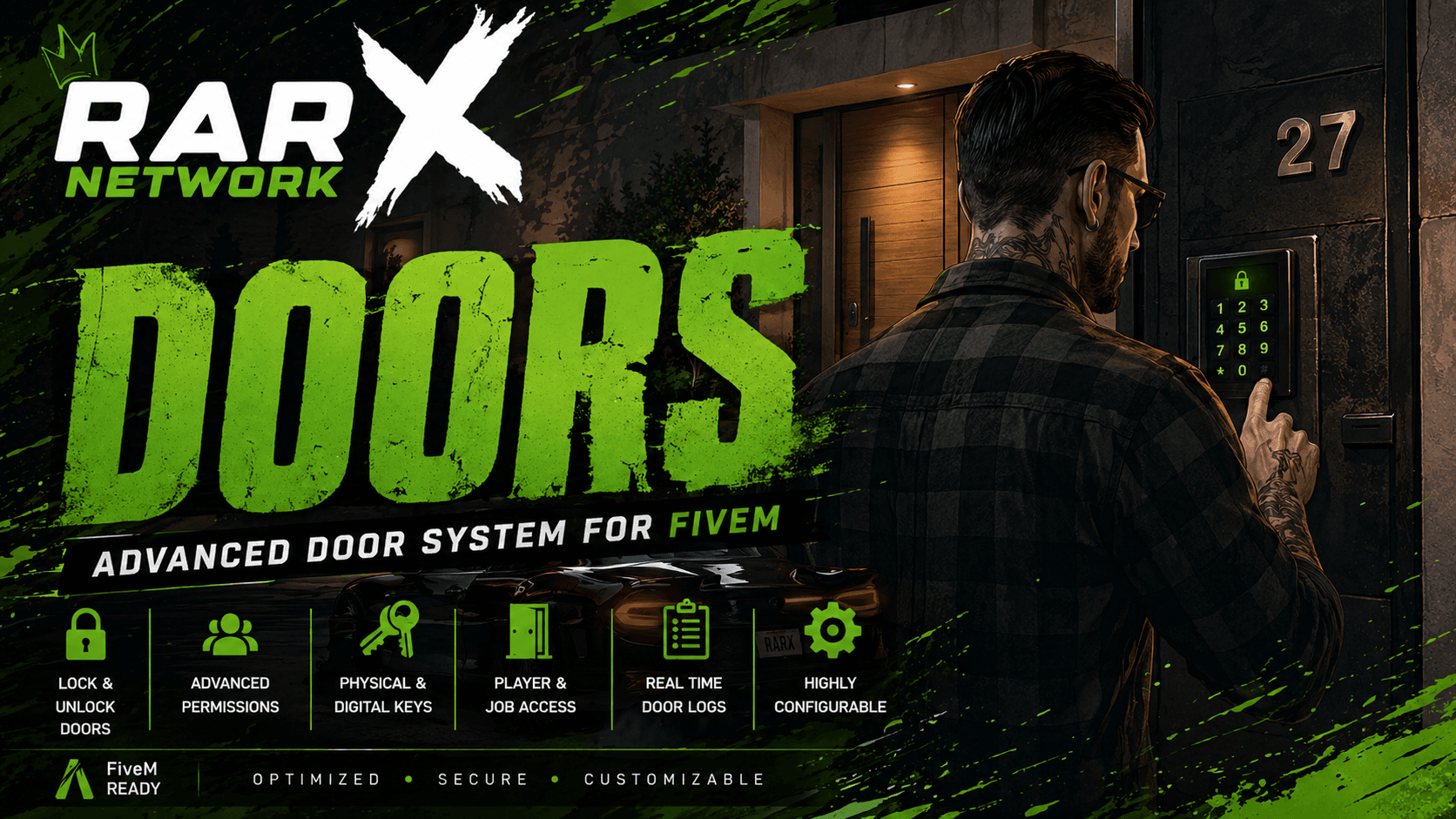
Rarx Doors
Rarx Doors
Modular door-lock system with in-game creator, job and gang restrictions, item keys, lockpick integration and live database sync
- Qbox
- QBCore
- ESX
rarx_doors
Overview#
RARX Doors is a modular door-lock system for FiveM. Lock any door on the map in seconds through an in-game admin panel, restrict access by job/grade, gang/organization, or required items, and integrate seamlessly with the most popular lockpick minigames. All changes are persisted to the database and broadcast live to every connected client — no restarts, no SQL editing.
Framework, inventory, lockpick and gang systems are auto-detected at startup, so the script works on a wide range of stacks out of the box.
Features#
Lock any door on the map directly in-game. Pick the model, position, heading and locked state in seconds — no SQL editing, no restarts.
Every door is persisted and broadcast live to every connected client. Create, edit and delete on the fly.
Restrict access by job name and grade level. Mix multiple jobs on the same door for cross-department buildings.
Native QB gangs plus auto-detection of origen_ilegalv2, qs-crimencreator, jc_organizaciones and rcore_gangs.
Require a specific item to open or close a door, with optional consume-on-use behavior.
Plug-and-play with qb-lockpick, lockpick and t3_lockpick. Auto-detected at startup.
Independent webhooks for door creation, deletion and usage. Full audit trail for staff actions.
Bundled lock and unlock sounds play locally with proximity falloff. Immersive without bloating the network.
Requirements#
- Framework: QBCore, QBox, or ESX (auto-detected)
- ox_lib
- oxmysql
Installation#
Download & Extract
Download the latest version from your Keymaster and extract it into your server's
resourcesfolder.Import Database
The required table is created automatically on first start. No SQL import is needed.
Add to server.cfg
ensure rarx_doorsMake sure
ox_libandoxmysqlare started before this resource.Configure
Edit
config/config.luato set the language, admin groups, command name and Discord webhook URLs. Door definitions live in the database and are managed through the in-game panel.
Framework-Specific Notes#
No additional setup required. QBox is detected first and uses the QBCore-compatible API via exports['qb-core']:GetCoreObject(). If QBox is started but the qb-core export is missing, the script falls back to exports['qbx_core']:GetCoreObject() automatically.
No additional setup required. The script auto-detects QBCore and uses native job, gang and permission systems.
No additional setup required. The script auto-detects ESX and uses xPlayer.getGroup() for permission checks and xPlayer.getJob() for job restrictions.
Configuration#
General Settings#
Config.Language = 'es'           -- 'es' | 'en' (matches translates/*.lua)
Config.Debug    = false          -- Verbose logging in F8

Config.Commands = 'doors'        -- Admin panel command
Config.Drawtext = 'ox_lib'       -- Drawtext backend (currently delegated to ox_lib)
Config.Input    = 'qb-input'     -- Input prompt backend
Admin Permissions#
-- Groups that can open the management panel and create / edit / delete doors.
-- qb-core / qbx_core typical groups: 'god', 'admin'
-- esx typical groups: 'admin', 'superadmin', 'mod'
-- Mix groups from both frameworks; only the ones matching the active framework
-- are actually checked at runtime.
Config.GroupPermissions = {
    'god',
    'admin',
    'superadmin',
}
Discord Webhooks#
Config.Logs = {
    CreateDoor = '',  -- Fired when an admin creates a new door
    DeleteDoor = '',  -- Fired when a door is removed
    DoorsUsage = '',  -- Fired on every lock / unlock by a player
}
Leave any URL empty to disable that channel.
Door Management#
All doors are created and managed through the in-game admin panel, accessible with /doors (or your configured command).
Creating a Door#
- Run the management command (default:
/doors). - Aim at the door you want to lock and use the Create action — the model, coords and heading are filled in automatically.
- Set the lock state, optionally add job/gang/item restrictions.
- Save. The new door is broadcast to every connected client instantly.
Restriction Types#
| Type | Use case | Where it lives |
|---|---|---|
| Public | Anyone with a working method (item, lockpick) can use it | door config |
| Job | Restricted to a job.name and minimum job.grade.level |
door config |
| Gang / Org | Restricted to a gang or org name and grade (multi-system) | door config |
| Item Key | Player must hold a specific item — optional consume-on-use | door config |
| Lockpick | Player needs the active lockpick minigame to succeed | door config |
Restrictions are combined with AND logic when multiple are set on the same door (e.g. police grade 2 and keycard item).
Auto-Detected Integrations#
The script logs what it detects when it starts:
[rarx_doors]
* Framework: qb-core
* Inventory: ox_inventory
* Gangs/Orgs: origen_ilegalv2
* Lockpick: qb-lockpick
* Language: es| Category | Supported resources |
|---|---|
| Framework | qb-core, qbx_core, es_extended |
| Inventory | ox_inventory, qb-inventory, qs-inventory, origen_inventory, rarx_inventory |
| Lockpick | qb-lockpick, lockpick, t3_lockpick |
| Gangs/Orgs | origen_ilegalv2, qs-crimencreator, jc_organizaciones, rcore_gangs (falls back to framework gangs) |
If the script can't find one of these (other than a framework), it prints a yellow warning and falls back gracefully — gang-restricted doors won't enforce gangs, lockpick-only doors won't be pickable, etc.
Localization#
Translation files live in config/translations/. Supported out of the box:
- English (
en.lua) - Spanish (
es.lua)
Set the language with Config.Language in config/config.lua.
Exports & Events API#
Client Exports#
openManagement()export → —Opens the admin management panel without typing the slash command. Useful for integrating the panel into your custom HUD/menu. Permissions are still enforced server-side.
exports.rarx_doors:openManagement()Client Events#
Listen — fired by rarx_doors#
rarx_doors:client:onPlayerLoadevent → —Fires once the player's character is loaded and doors have been pushed from the server. Use it to gate any logic that depends on doors being registered locally.
AddEventHandler("rarx_doors:client:onPlayerLoad", function()
    -- doors are now registered locally
end)rarx_doors:client:onPlayerUnloadevent → —Fires when the character is unloaded (multicharacter logout) or when the player disconnects. Use it to clear any per-character caches that reference doors.
rarx_doors:client:CreateDoorevent → doorDataServer-broadcast event fired whenever an admin creates a new door, so every connected client registers it without restarting.
rarx_doors:client:DeleteDoorevent → doorIdInverse of the above — broadcast when a door is removed.
rarx_doors:client:UseDoorevent → doorId, lockedBroadcast when any player locks/unlocks a door. Each client updates its local state so doors animate consistently for everyone.
rarx_doors:client:Notifyevent → text, type, lengthServer-side helper to forward a notification to a specific player. Goes through the existing Custom.Notify (ox_lib by default) so it looks consistent with the rest of your stack.
Server Callbacks#
These are registered with lib.callback.register and consumed by the admin panel UI. They're listed here for advanced integrations:
| Callback | Purpose |
|---|---|
rarx_doors:server:GetAllDoors |
Returns the full list of doors (used by the client on player load). |
rarx_doors:server:CreateDoor |
Inserts a door row and broadcasts it. Permission-checked. |
rarx_doors:server:editDoor |
Updates an existing door. Permission-checked. |
rarx_doors:server:deleteDoor |
Removes a door and broadcasts the deletion. Permission-checked. |
rarx_doors:server:GetItems |
Returns the item catalog for the admin panel's item-picker. Reads from your detected inventory + framework. |
rarx_doors:server:getPlayerIdentifier |
Returns the requesting player's identifier (used internally by the panel). |
Server Events#
rarx_doors:server:UseDoorevent → doorId, currentLockedTriggered by the client when a player tries to lock/unlock a door. Server validates job, gang, item, and lockpick conditions, then broadcasts the new state with rarx_doors:client:UseDoor.
Usage Examples#
Open the admin panel from your custom HUD#
-- Client-side
exports.rarx_doors:openManagement()
Wait for doors to be ready before drawing your own UI overlays#
AddEventHandler("rarx_doors:client:onPlayerLoad", function()
    -- safe to spawn locally-attached interaction prompts here
end)
Send a one-off notification through the doors notify pipeline#
-- Server-side
TriggerClientEvent("rarx_doors:client:Notify", source, "Acceso denegado", "error", 3000)Troubleshooting#
No framework resource found on startup
None of qb-core, qbx_core, or es_extended is running. Start one of them before rarx_doors.
Lockpick option doesn't appear on a door
Either the door doesn't have lockpick enabled in its config, or no supported lockpick resource is running. Check the startup log line * Lockpick: ... — if it shows the yellow warning, install qb-lockpick, lockpick, or t3_lockpick.
Item picker in the admin panel is empty
The item catalog is read from your detected inventory. Make sure your inventory resource is started before rarx_doors, and check the startup log line * Inventory: .... If it shows the yellow warning, your inventory isn't recognized — the script falls back to QBCore.Shared.Items (qb-core only).
Gang lock doesn't enforce on QBCore
QBCore gangs are read from PlayerData.gang.name and PlayerData.gang.grade.level. If you use a custom gang system, make sure it's one of the auto-detected ones (origen_ilegalv2, qs-crimencreator, jc_organizaciones, rcore_gangs) — otherwise the door falls back to framework gangs.
No permission when running /doors
Your group doesn't match any entry in Config.GroupPermissions. On QBCore the group lives in PlayerData.permission or the ACE permission list; on ESX it comes from xPlayer.getGroup(). Make sure your admin group is listed.
Doors don't update without a restart
Live updates rely on the server broadcasting rarx_doors:client:CreateDoor/UpdateDoor/DeleteDoor. If these events don't reach the client, check that your oxmysql and ox_lib versions are up to date and that no other resource is throwing errors during onPlayerLoad.
Compatibility#
The auto-detection in init.lua is the easiest extension point. To add support for a new inventory, lockpick or gang system, append your resource name to the corresponding list in init.lua and implement the matching branch in server/door.lua (GetItems callback) or client/door.lua (gang check block). No core code changes are required.