
Phones · FiveM guide

FiveM Phone Script for QBCore, Qbox & ESX

The phone is the resource your players touch more than any other. It carries their calls, chats, photos, bank transfers and social life, and it is where many other scripts send their notifications. A weak phone is felt in every scene; a heavy one is felt in every frame.

This guide explains what a FiveM phone script should offer on QBCore, Qbox and ESX, how RARX Phone approaches each point, what it needs installed and the questions server owners ask before replacing the phone they run today.

Buyer's checklist

What a good FiveM phone script should do

A checklist for comparing phone resources before you commit your players' data to one.

  1. Calls through the voice system you already run

    Calls should use your existing voice resource instead of replacing it. RARX Phone detects pma-voice, SaltyChat, TokoVOIP or mumble-voip, supports group calls (five participants by default) and keeps emergency numbers working even when normal calling is switched off.

  2. Server-side validation of every action

    Money, messages, media hosts, rate limits and permissions should be checked on the server, not trusted from the interface. Money operations on RARX Phone are atomic in the database, so a transfer or a paid request cannot be duplicated.

  3. Apps your city actually uses

    Messages with voice notes and locations, mail, a camera and gallery, bank, invoices and fines, garage with valet, rides and a services app for police, EMS and businesses. Social apps keep players creating content between scenes.

  4. Control without editing code

    You should be able to switch off, rename or restrict any app. RARX Phone has 42 feature switches and per-app rules by job and grade, on-duty status, item, ACE permission or phone model, and the server rejects actions that are disabled.

  5. Phone items tied to the device

    With inventories that support metadata, each phone item should carry its own number. RARX Phone stores a device id with the number and enrolls Face Unlock per device, so a stolen phone stays locked to its owner.

  6. Tools for staff

    An in-game admin panel, moderation and app bans, logs per category and clear console warnings for invalid config values save hours when something goes wrong in a live city.

RARX resources

The RARX phone script

One resource, four devices, and every framework listed below.

RARX Phone — Scripts FiveM resource
New Video
-50%

Scripts

RARX Phone

A complete FiveM phone: iFruitOS and Andromeda-style models, foldables, Live Island and 37 apps for Qbox, QBCore and ESX.

  • QBCore
  • ESX
  • QBox
Was €59.99Now €29.99

RARX Phone

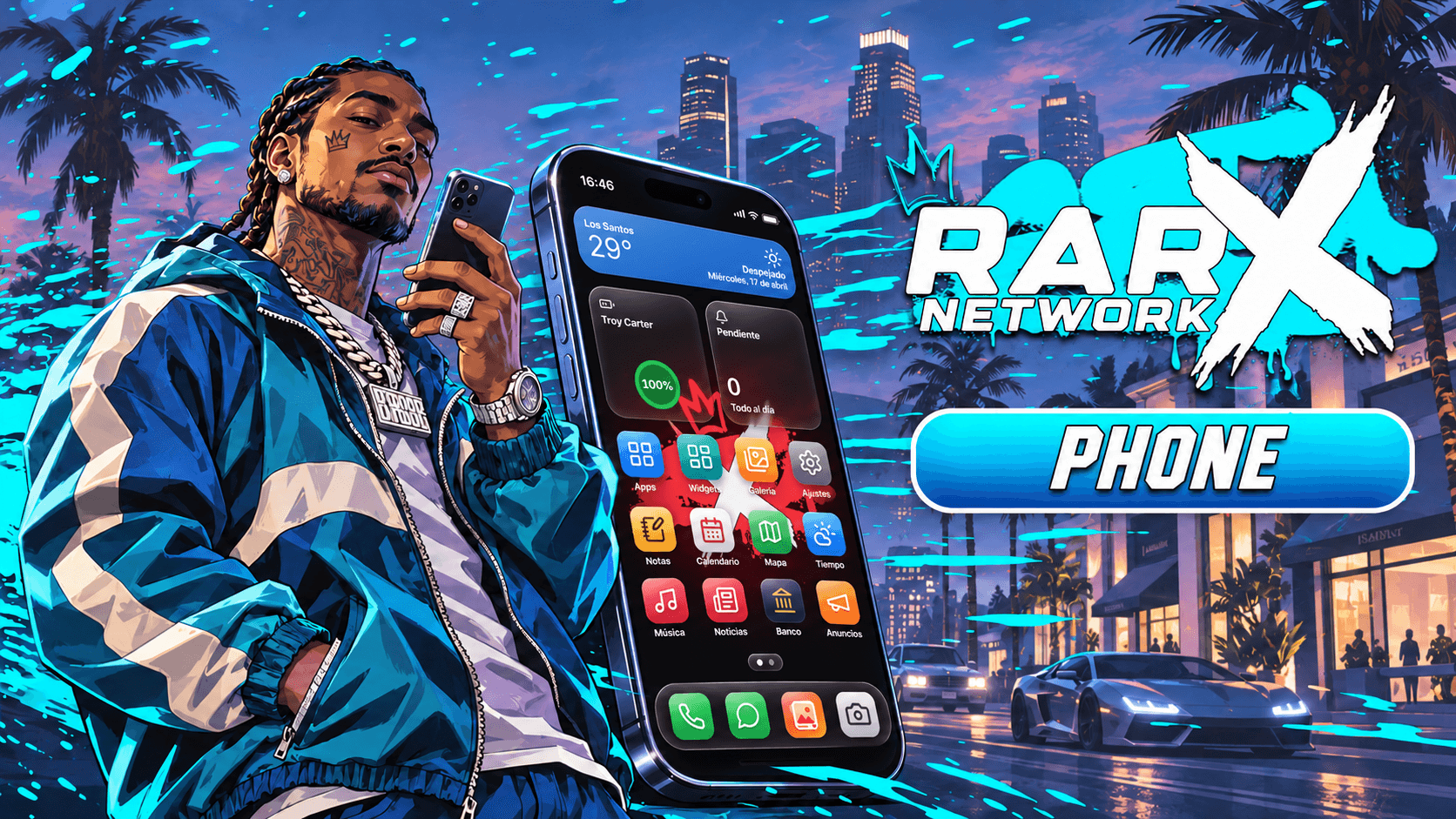
RARX Phone is a full in-game smartphone with 37 apps and four devices, two of them foldables that open into a wider layout. Its interface was rebuilt with Vue 3 and TypeScript for the browser inside FiveM. It detects the framework and inventory on start, installs its own database tables and ships in eleven languages, including a right-to-left layout for Arabic. A live demo of the real interface runs in the browser on the product page.

Key features

  • Four real devices. iFruitOS-style, Andromeda-style and two foldables that open into a tablet layout.
  • Live Island. Calls, music, timers, rides and Face Unlock as live activities with working controls.
  • Drop-in for lb-phone scripts. Provides 'lb-phone' with export aliases, plus a console tool to migrate LB data.
  • Configure, not code. 42 feature switches, per-app rules, branding and 11 languages in open config files.

Compatibility

Frameworks, inventories and voice

Taken from the product data and its documentation. Optional resources add features but are not required.

FeatureRARX Phone
Resource namerarx_phone
FrameworksQbox, QBCore, ESX
Framework setupConfig.Framework = 'auto' checks qbx_core, then qb-core, then es_extended. It can be forced to qbx, qb or esx.
Required resourcesox_lib, oxmysql
Optional resourcesrarx_banking, rarx_garages, rarx_housing, rarx_business, rarx_uploader, qbx_vehiclekeys
Inventoriesox_inventory, qb-inventory, qs-inventory, codem-inventory, core_inventory, ESX default inventory, rarx_inventory
Voice systemspma-voice, SaltyChat, TokoVOIP, mumble-voip
DatabaseMySQL 5.7/8 or MariaDB. Tables and migrations install themselves on start (can be disabled).
LanguagesEnglish, Spanish, French, German, Italian, Portuguese, Portuguese (Brazil), Dutch, Polish, Turkish, Arabic
DocumentationOn this site

Setup

How to install a FiveM phone script

A summary of the setup. The documentation covers items, configuration, exports and the external apps API.

Full documentation
  1. 01

    Install the requirements

    ox_lib, oxmysql, your framework (Qbox, QBCore or ESX) and your inventory must be installed and started first.

  2. 02

    Start rarx_phone last

    Ensure the phone after the framework and the inventory so auto-detection finds them. Tables and migrations install themselves on the first start.

  3. 03

    Add the phone items

    Create the four phone items in your inventory; each one opens its device model. On qb-inventory and the ESX inventory the item is registered automatically.

  4. 04

    Configure features, apps and brand

    Turn features on or off, set app rules, model and carrier names and default wallpaper and ringtone in the config files. Upload, video and GIF keys go in server convars.

Players open the phone with F1 or /rarxphone by default. Invalid config values are reported in the console instead of crashing the resource. Full documentation: RARX Phone

Good to know

Phone script FAQ

Which frameworks does RARX Phone support?
Qbox, QBCore and ESX Legacy. With the framework set to auto, it checks qbx_core, then qb-core, then es_extended on start. The framework must start before the phone.
Which inventories work with the phone?
ox_inventory, qb-inventory, qs-inventory, codem-inventory, core_inventory, the default ESX inventory and rarx_inventory, detected automatically.
Do video calls need extra setup?
No. They work out of the box and fall back to frames relayed by the server when a direct connection is not possible. Adding TURN convars makes direct video work on more networks.
Do I have to import SQL files?
No. Tables and migrations are installed on start and only the phone's own tables are touched. You can turn this off and import the SQL yourself.
Can I migrate players from my current phone?
If you run lb-phone, a console command copies numbers, contacts, messages, gallery, mail and more from its tables, which are only read. The phone also provides compatible export aliases so scripts calling the old exports keep working.
Can I disable or restrict apps?
Yes. Apps can be disabled, renamed per language, given another icon or dock position, or restricted by job, grade, on-duty status, item, ACE permission or phone model.
Can I try it before buying?
Yes. The product page has a live demo of the real interface with sample data, where you can switch between the four models and the languages.

Keep exploring

Give your city a phone worth picking up

Try the live demo on the product page, then ask us anything about your framework, inventory or voice setup on Discord.